24
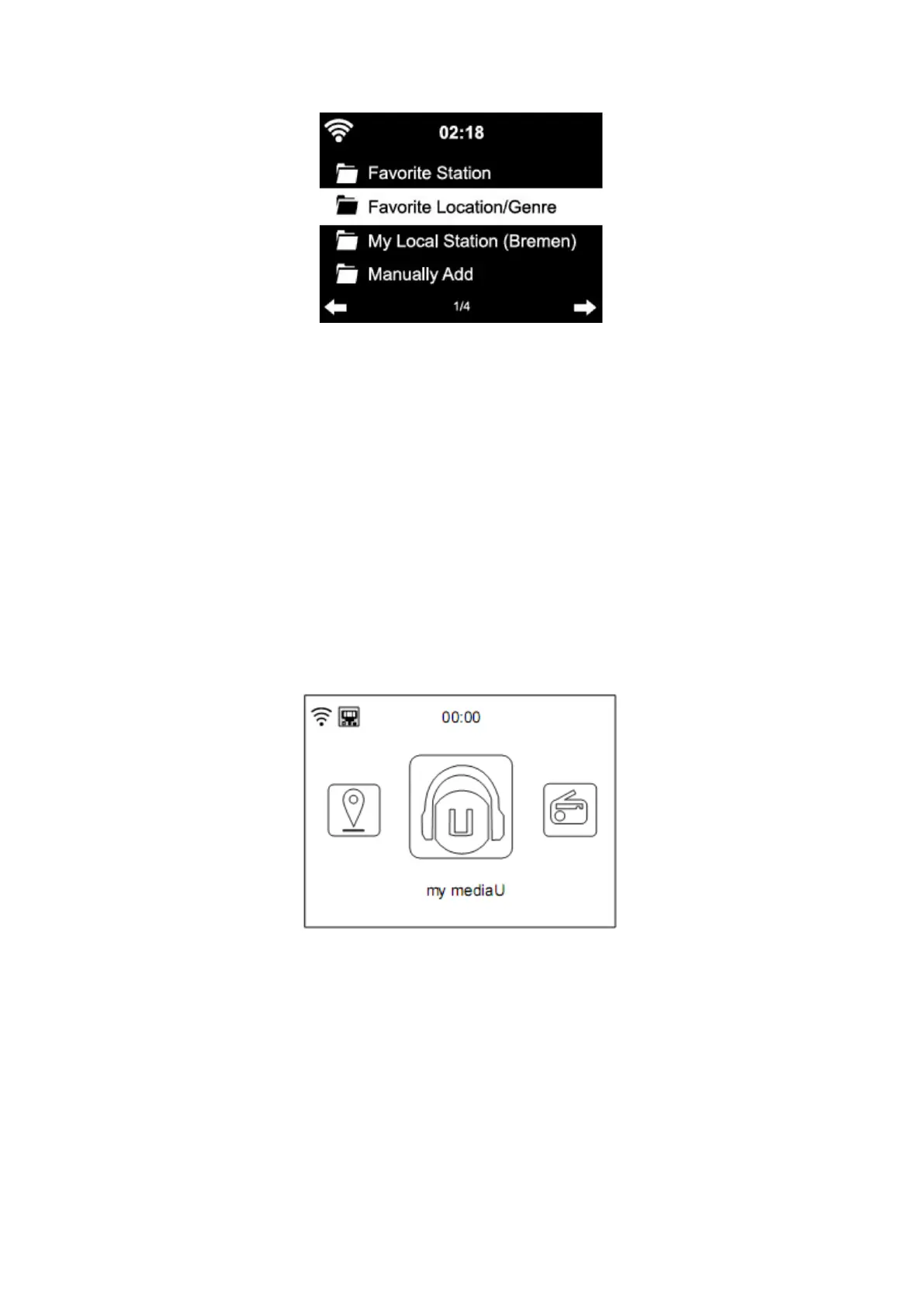
The device automatically connects to your account and displays what has been saved there:
- Favorite Station
- Favorite Location/Genre
- My Local Station
- Manually Add
● Depending on your personal My mediaU settings, the display on the Internet radio may look
different.
● If the device has not yet been registered with MediaYou, a corresponding message appears
when you wish to enable My mediaU.
● if you have registered a device with multiple accounts, these will be displayed after the
activation and you can select the account you wish to use.
To manage your Media U by app you can scan the QR code with your Smartphone/tablet to
show the QR code go to menu - > my media u
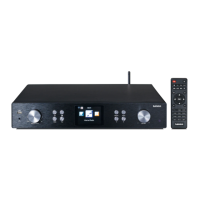
The menu Item my mediaU also appears in the main menu. You can find the selection again
here:
- Favorite Station
- Favorite Location/Genre
- My Local Station
- Manually Add
You can also find this selection in the media library, where you can assign and manage the
radio stations accordingly.


 To Next Page