26
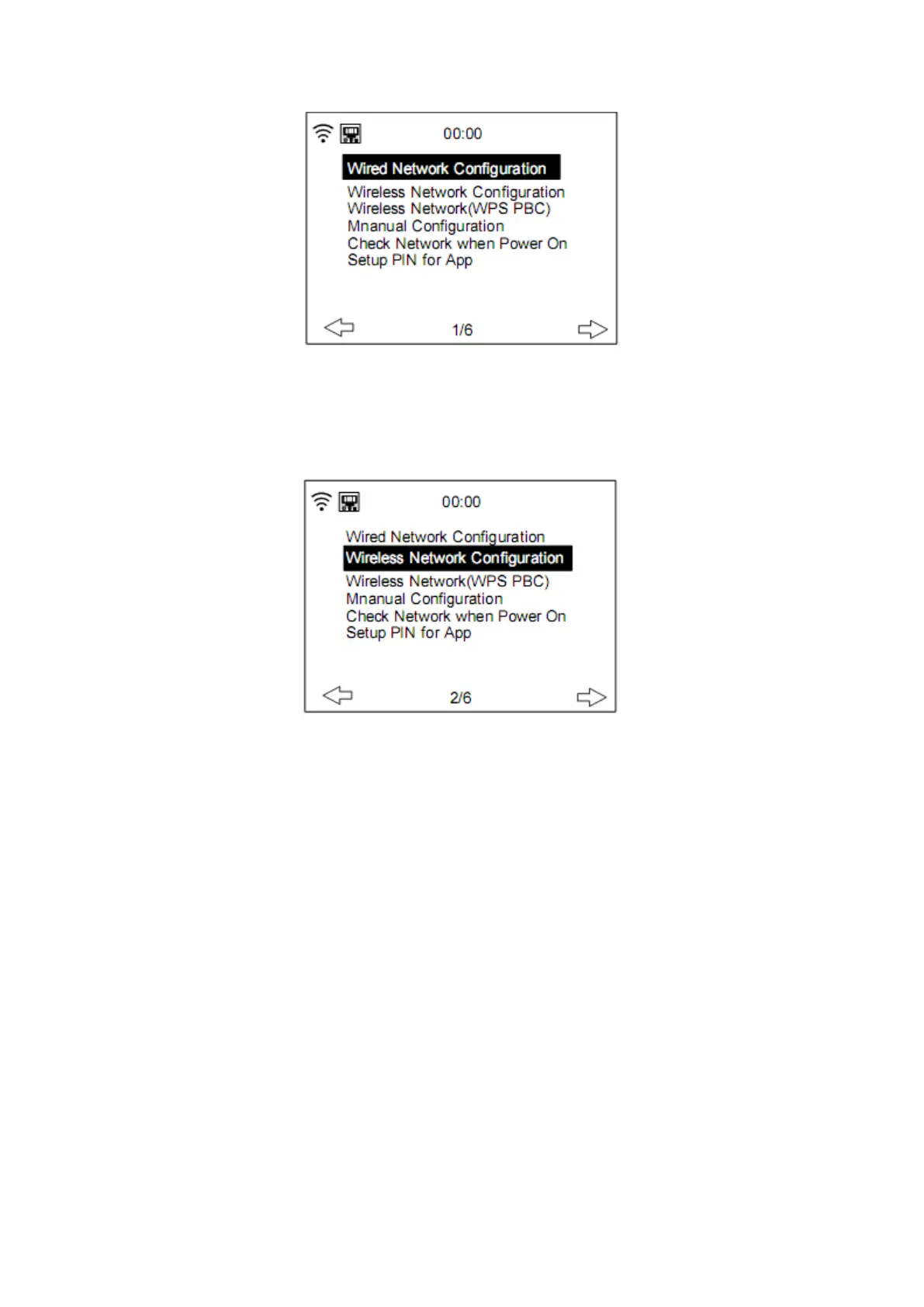
Enable/disable wired network connection
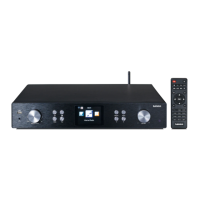
● Wireless Network Configuration
Enable/disable Wifi network. When you choose to enable the WiFi network, the system will
automatically search for available Wifi networks. Select your required Wifi network.
If the Wifi network is selected before, you don’t have to re-enter the Wifi password.
You may refer to the section 3, Getting Started for the network setting.
● Wireless Network (WPS PBC)
If you are using a router with WPS/QSS button, you may want to set up the network
connection via WPS function. Press the WPS/QSS button on your router within 120 seconds.
The connection between the router and DIR-250 will then be configured automatically, so
you don’t have to type in the Wifi password.


 To Next Page