30
Now you can choose Alarm Volume to configure the volume of the alarms.
When the alarm(s) is/are set, there will be a clock icon with alarm time at the top of the
display.
During alarm, press button to stop the alarm, Press the SLEEP button on the device or
press the button on the remote to enter the snooze mode. It will alarm again in 5
minutes.
Note that your external amplifier has to be active for the alarm(s) to be heard!
5.3.7 Scheduled Playing
Schedule your playing by setting the repeat mode (Everyday, once, Mon, Tue, Wed, Thu, Fri,
Sat, Sun), time (00:00 HH:MM) and Sound from(Internet Radio, FM, DAB/DAB+).
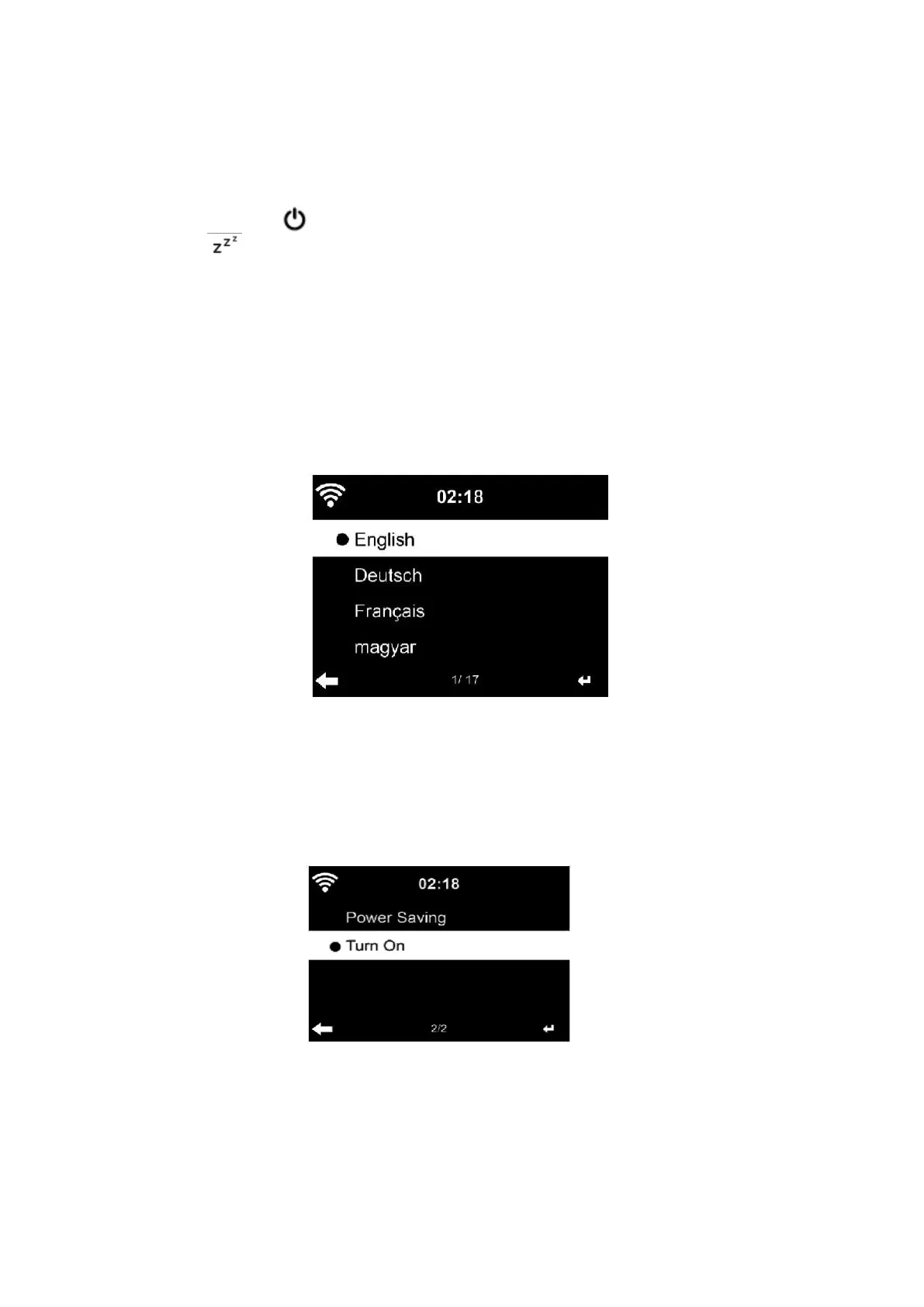
5.3.8 Language
Select the OSD language:
English/German/French/Hungarian/Czech/Slovakian/Polish/Turkish etc, (in total 17 language
are available)
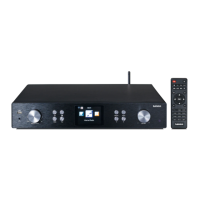
5.3.9 Dimmer
Configure the brightness of the display backlight
Select ”Power Saving” to set the backlight brightness for the standby mode and select “Turn
On” to set the brightness for operation mode.


 To Next Page