33
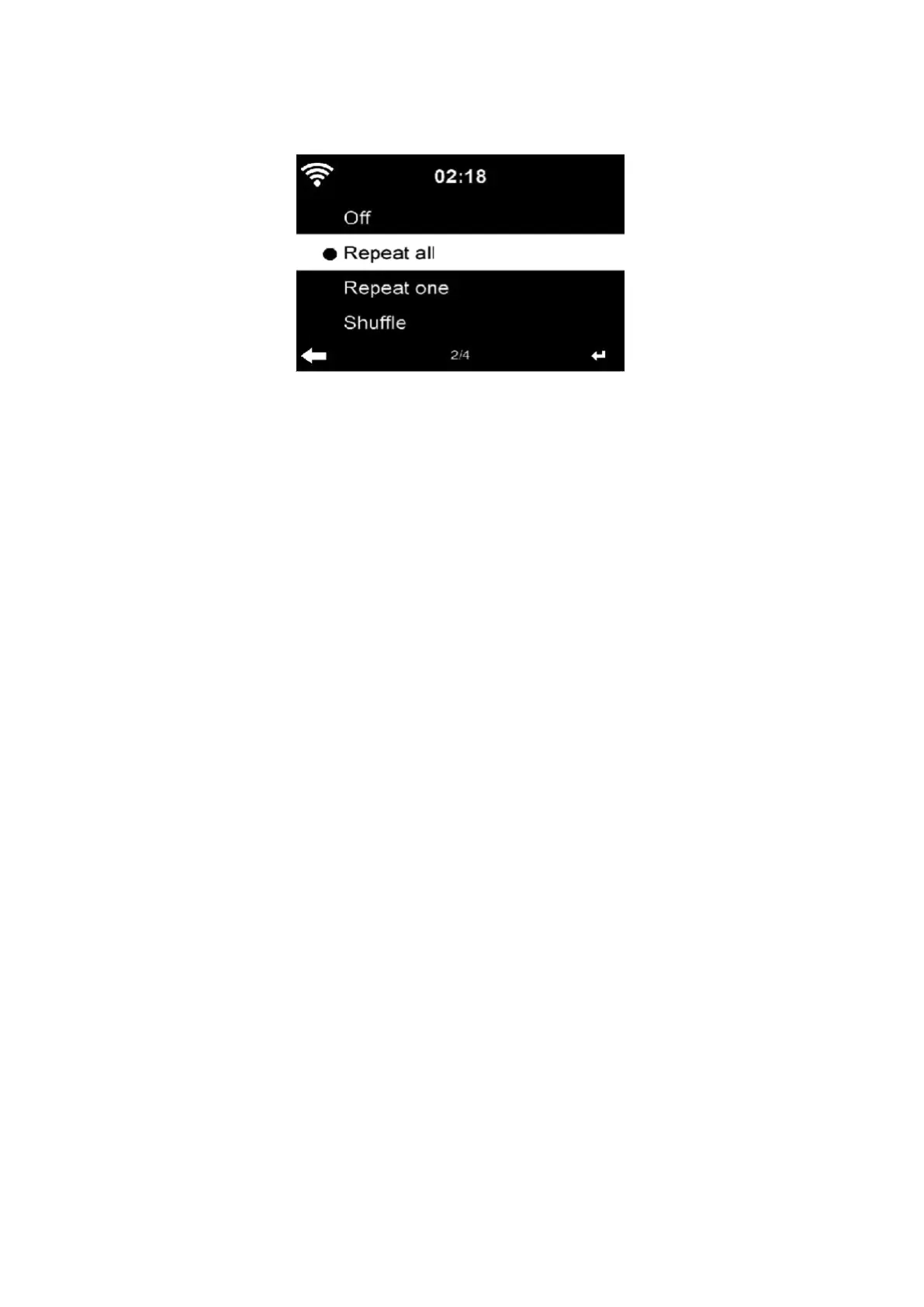
5.3.17 Playback Setup
Select the playback mode of media Center – Off (no repeat or shuffle), Repeat all, Repeat
one, or Shuffle.
5.3.18 Device
Enter to rename the unit or use the “App” option to display the QR code for app download.
5.3.19 Key
In this section, the following keys can be customized by the mode button on the unit or the
remote control.
When the setting set to one of following keys, press mode button on the unit to realize their
same function.
⚫ Alarm (For example, when Alarm key set, press the Mode button to realize Alarm key
function)
Dimmer
Equaliser
Local Radio
Mode
Preset
Sleep Timer
Timer


 To Next Page