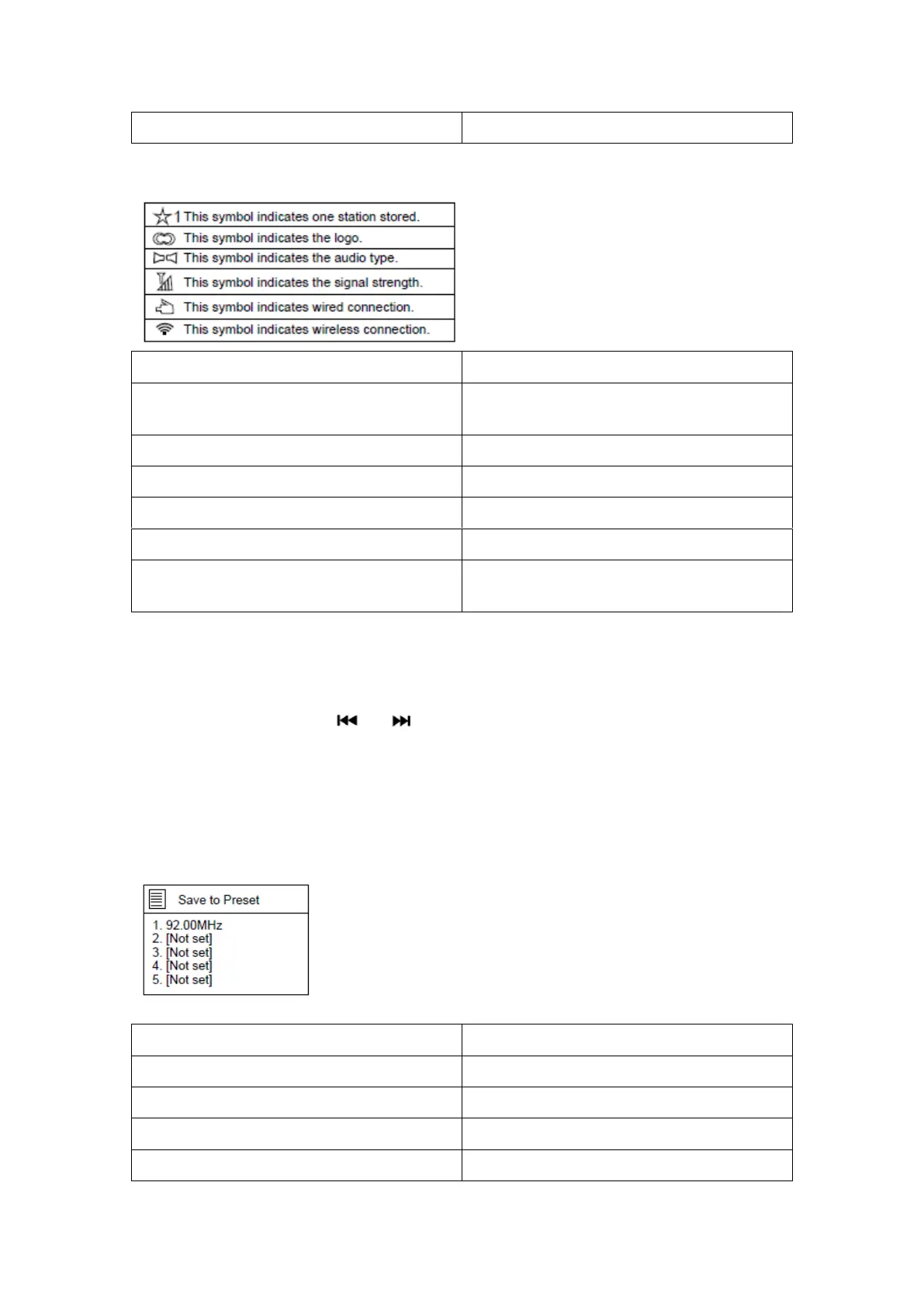
This symbol indicates one station stored.
Dit symbool geeft één opgeslagen station
aan.
This symbol indicates the logo.
Dit symbool toont het logo.
This symbol indicates the audio type.
Dit symbool geeft het audiotype aan.
This symbol indicates the signal strength.
Dit symbool geeft de signaalsterkte aan.
This symbol indicates wired connection.
Dit symbool geeft een kabelverbinding aan.
This symbol indicates wireless connection.
Dit symbool geeft een draadloze verbinding
aan.
Automatisch zoeken:
Methode 1: Druk op de Scantoets op het apparaat om automatisch te zoeken;
Methode 2: Druk op de Scantoets op de afstandsbediening om automatisch te zoeken;
Methode 3: Houd de toets of op het apparaat of op de afstandsbediening
ingedrukt om in oplopende of aflopende frequentie te zoeken; wanneer er een station is
gevonden, dan zal het apparaat stoppen met zoeken en het station afspelen.
Station opslaan of voorkeuze:
Wanneer er een station is gevonden (bijv. 92,00 MHz), houd dan de toets Preset op het
apparaat ingedrukt of houd de Presettoets op de afstandsbediening ingedrukt en de
volgende pagina zal verschijnen.



 To Next Page