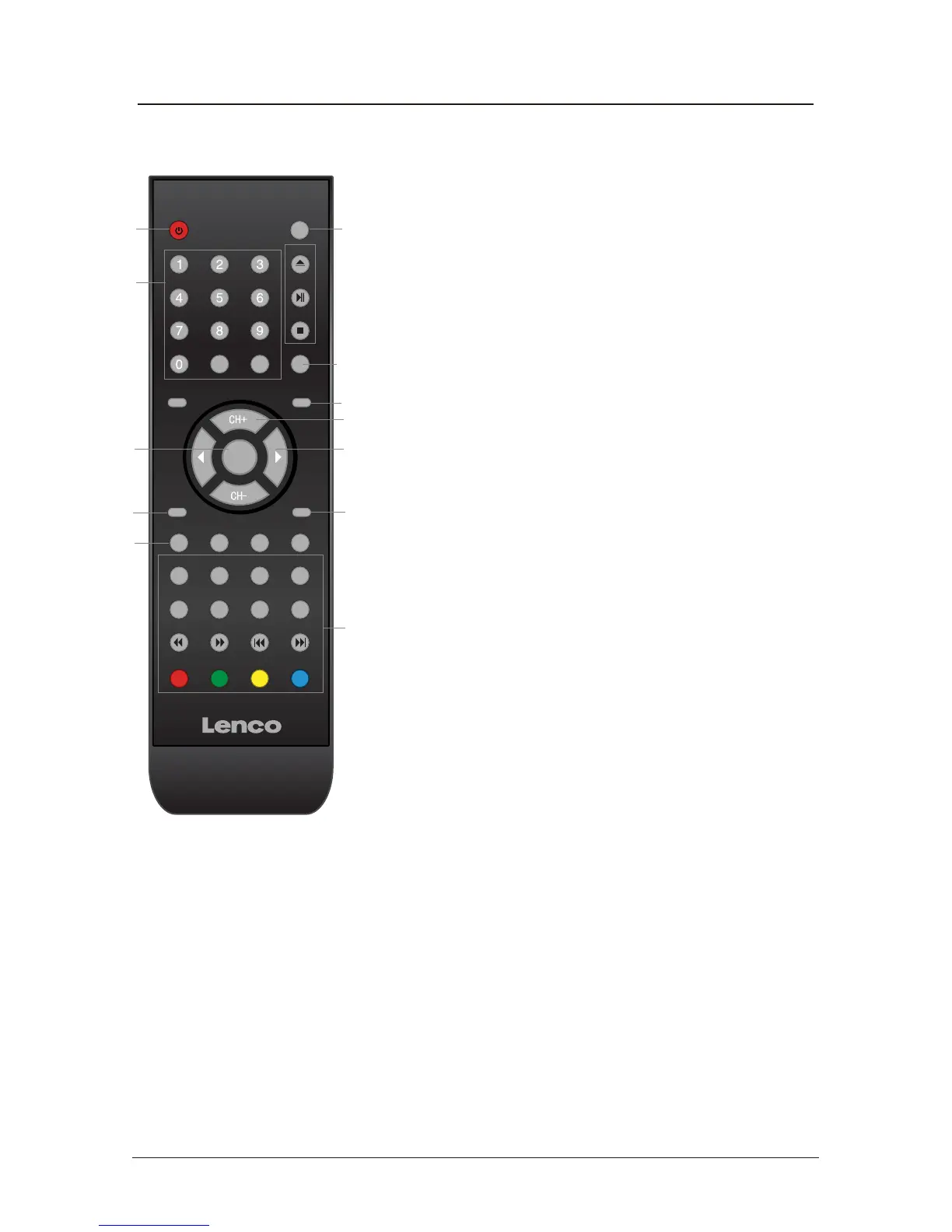
Remote control (continued)
DISPLAY: Display current mode information.
10. SYS-EXIT: Exit the OSD menu.
11. 0-9,-/--
Choose channel directly. Number buttons for DVD.
Returns to the previous channel.
PICTURE: Select the picture mode.
SOUND: Select the sound mode.
SLEEP: Standby Timer
NICAM/A2: Selects Nicam or Mono sound.
12.
LAN
SET
PRO
ANG
REP A-B
TITLE
SUB
ZOOM
MENU
SLOW
GOTO
OK
-/--
POWER
SYS-EXITSYS-MENU
PICTURE SOUND SLEEP DISPLAY
INPUT
OPEN
PLAY
/PAUSE
STOP
MUTERETURN
VOL- VOL+
NICAM/A2
TV/TXT CANCEL REVEAL
HOLD SIZE SUBPAGE INDEX
11
1 4
6
5
9
10
3
12
2
7
8
RETURN
6



 To Next Page