20
Information
View model, hardware and software information.
Software update
After selected, it will begin searching for new software from USB device.
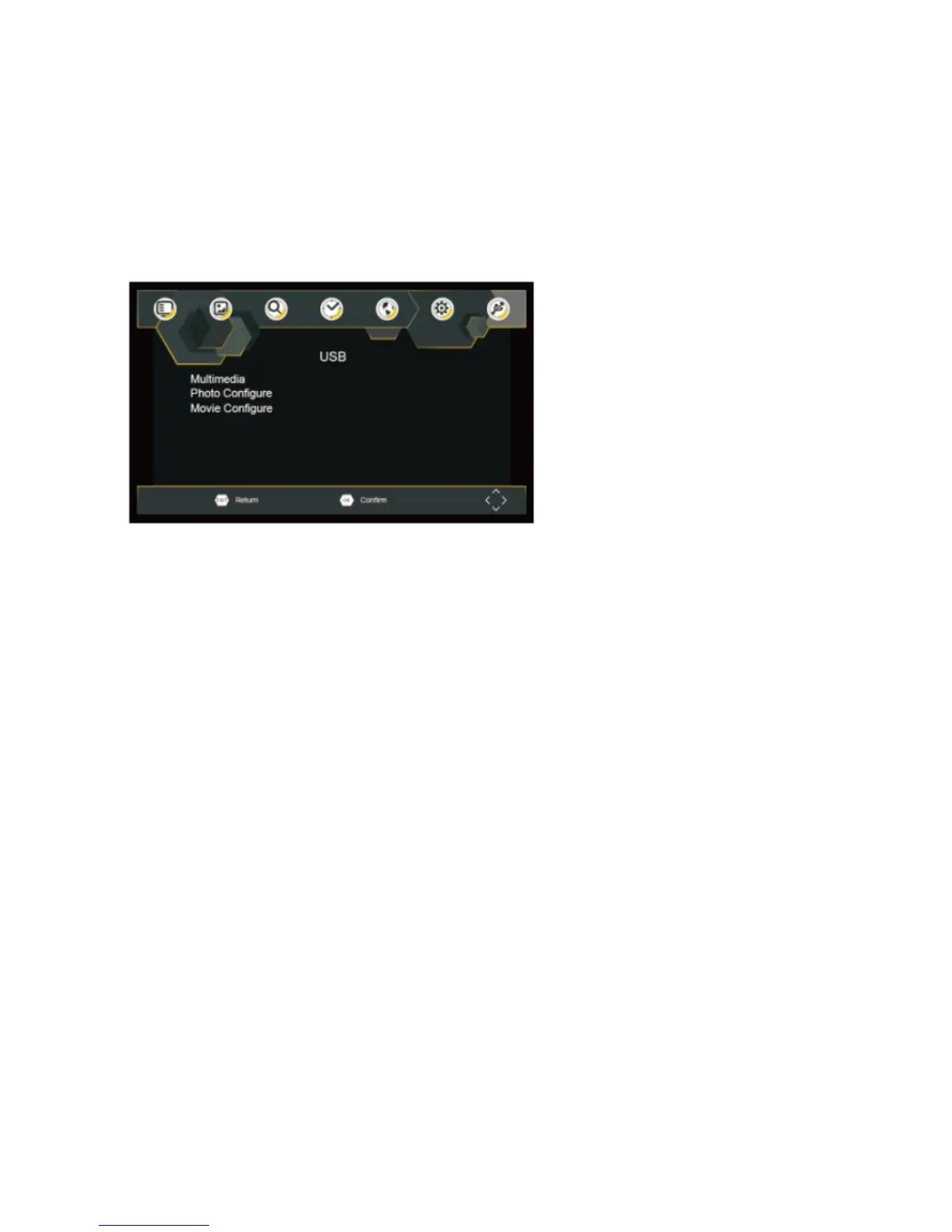
USB
To access the Menu, press the SETUP button and select USB
Multi-Media
Switch to USB mode and plug in USB to view files.
Photo Configure
Set the parameters for viewing photographs.
Movie Configure
Set the parameters for displaying movie subtitles.


 To Next Page