E14
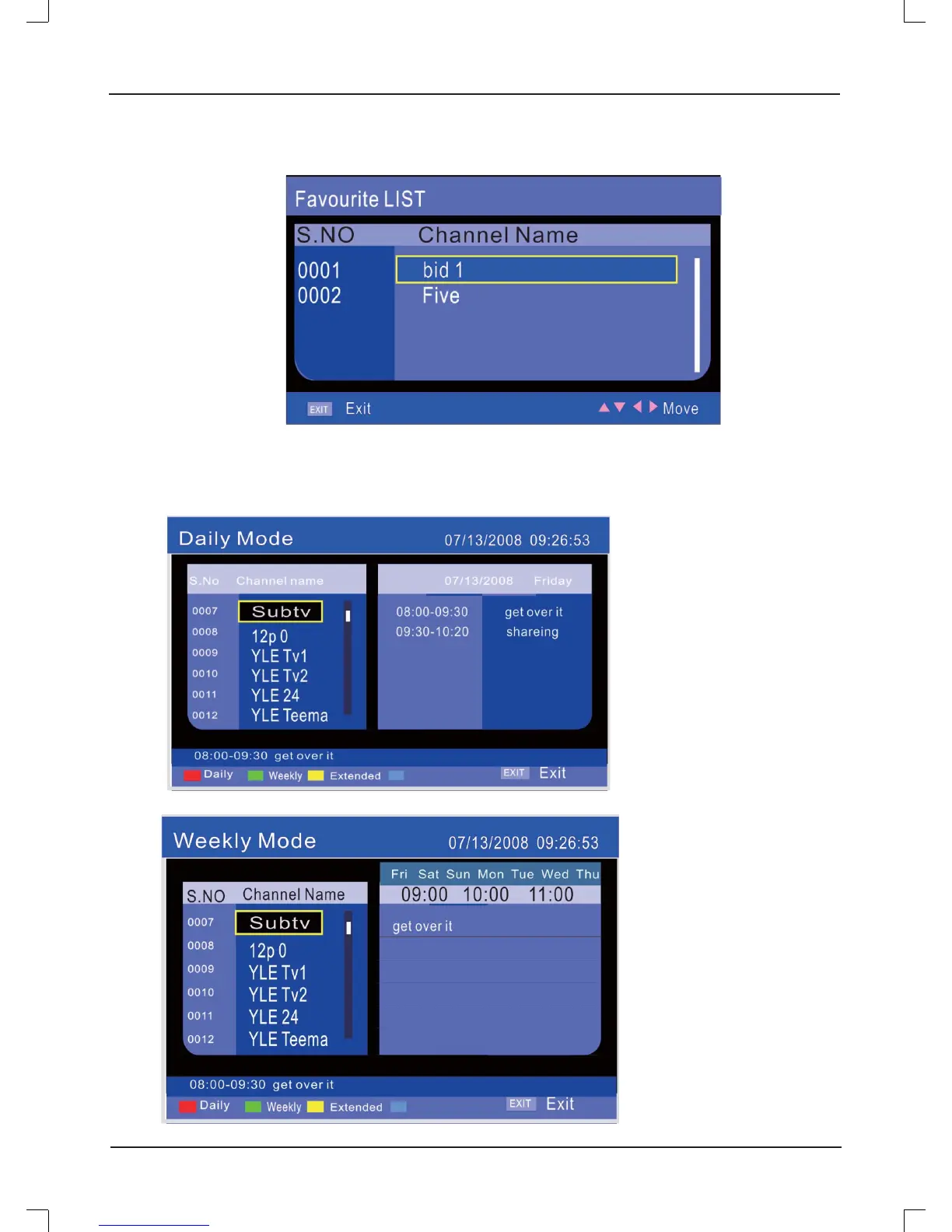
Favorite List
EPG Menu
For Digital TV :
Timer
Timer
Note: Press [FAV] to enter the Favorite List.
Note: Press [EPG] to enter the
Daily Mode.
Press RED button to enter the
Daily Mode.
Press GREEN button to enter
the Weekly Mode.
Press [
b
/
a
] button to switch
program with channel.
Press [
o
/
p
] button to choose
channel and program.
Press YELLOW button in
program list to enter the Extended
Mode.
Press BLUE button in program
list to set wakeup timer.



 To Next Page