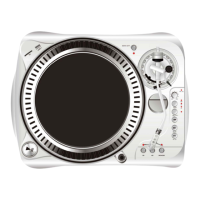
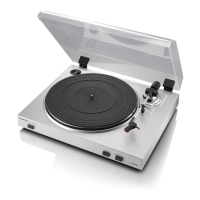
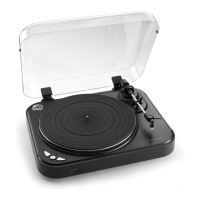
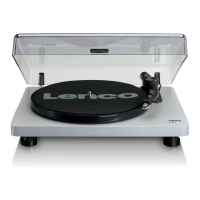
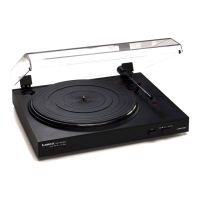
Connect the turntable to the USB port of the PC (do not connect the red and white connectors to the PC,
these must be connected to the line-in/AUX input of your hifi-system/amplifier )
• Install the Audacity software on the PC (follow the on-screen instructions)
remark: when using Vista Professional, install the software as administrator
• Launch the Audacity software.
• In Audacity, select "Edit" in the menu bar, then select “preferences”.
• In Audio I/O, select “USB audio Codec” in the pull-down menu (recording device)
remark: if the turntable is connected to the USB port after launching the software, the “USB audio Codec”
will not be available in the pull-down menu.
• Highlight the second option under “Playthrough”.
Playback of the recorded track can’t be heard
select the soundcard in the pulldown menu. Depending
on the PC’s configuration, the soundcard can be different from the one shown on the image,.
• As a test we recommend you to execute the following steps.
• Play a record, in Audacity press the record button, a new “Track” will appear automatically. During
recording you’ll see the Level meters blink.
• Stop the recording where you want with the stop button
• Press the play button to check the recorded part.
FAQ
Q: the device is not recognized by Windows and asks for a device driver
A: download and install the USB Asio driver v2.6.1
http://www.download.com/USB-Audio-ASIO-Driver/3000-2120_4-10561691.html
Q: MP3 conversion does not work on Windows Vista
A: Download ‘ lame_enc.dll, check www.dll-files.com (see the readme.txt for instructions)
For a more detailed description of how to use the software and turntable please refer to the manual.
Check http://audacity.sourceforge.net/ for more information about Audacity.
USB SOFTWARE QUICK-GUIDE L-78


 Need help?

 General