7
5. AUX-IN (3.5mm Jack)
An external (auxiliary) audio source (i.e. personal CD/MP3 Player/Mobile phone or computer) can be connected to
this apparatus via the 3.5mm Aux-in Jack.
1. Plug a detachable Aux cable (not provided) into the 3.5mm Aux-in Jack at the rear of the unit.
2. Plug the other end of the Aux cable into the Headphone or Line-out socket of your External Source.
3. Power On the unit by turning the Volume Control Knob clockwise.
4. Rotate the Volume Control Knob to adjust the sound level.
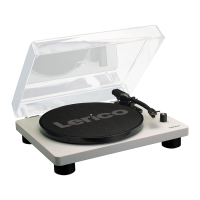
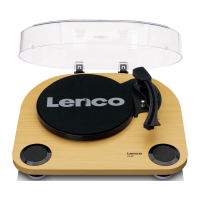
Note: This unit complies with ERP2 regulation. Therefore the Lenco LS-40 will switch off to standby when there is
no audio signal (record or Aux in) during~20 minutes. To start using it again, please power off/on again.
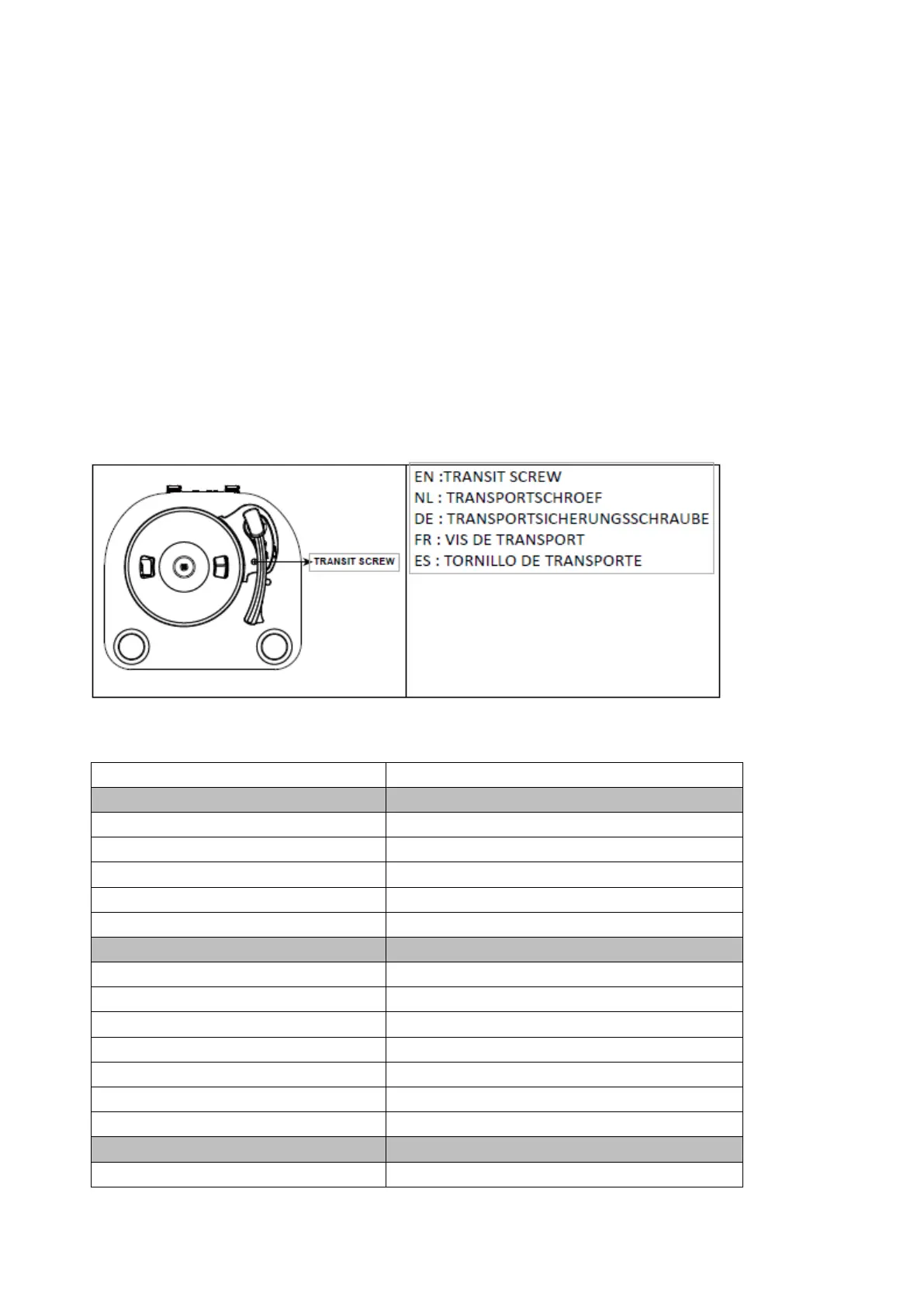
The turntable has been secured for shipment with a transit screw. Use a coin or screwdriver to turn the transit screw
clockwise. This will allow the turntable to “float”. During transportation, make sure to tighten this transit screw by
turning counter-clockwise.


 To Next Page