14
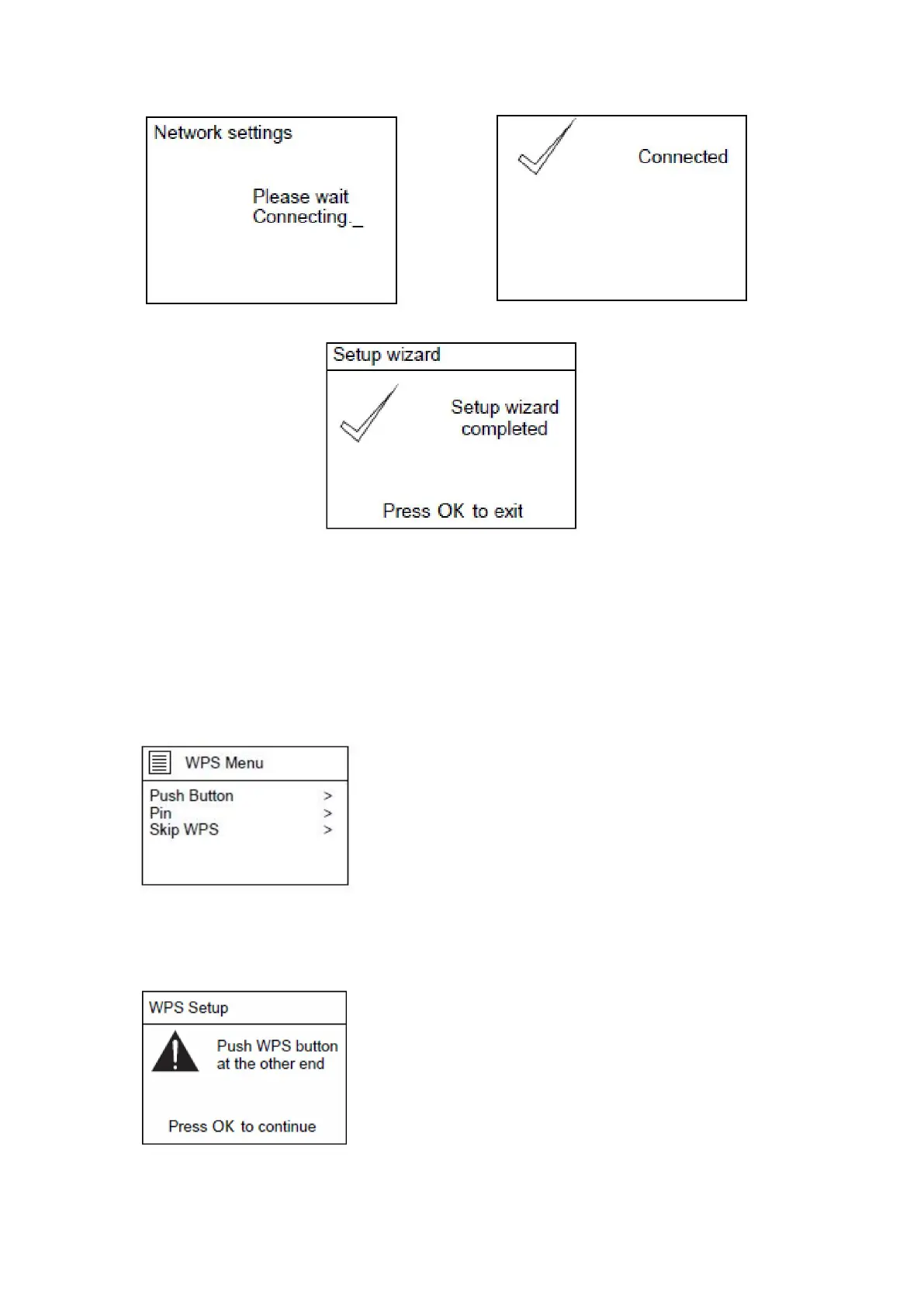
When setup wizard is completed, press the ‘OK’ button on the unit or remote control to exit
In the SSID page, If for example the network [WPS]123 is selected, the WPS Menu page will
appear.
NOTE: to use the WPS function you will need a WPS compatible WIFI router!
If "Push Button" is selected, the below page will appear. Press the WPS connect button on
your router and then press the OK knob on the unit or the remote control.


 To Next Page