27
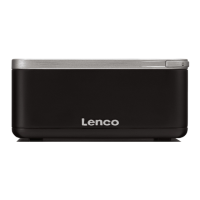
2. Connect the external audio source to the Aux in 3.5mm stereo socket.
3. To enter Aux in mode, either press Mode to cycle through the listening modes until Aux
in is displayed, or select Menu > Main menu > Aux in.
4. Adjust the volume of radio (and, if necessary, the audio source device) as required.
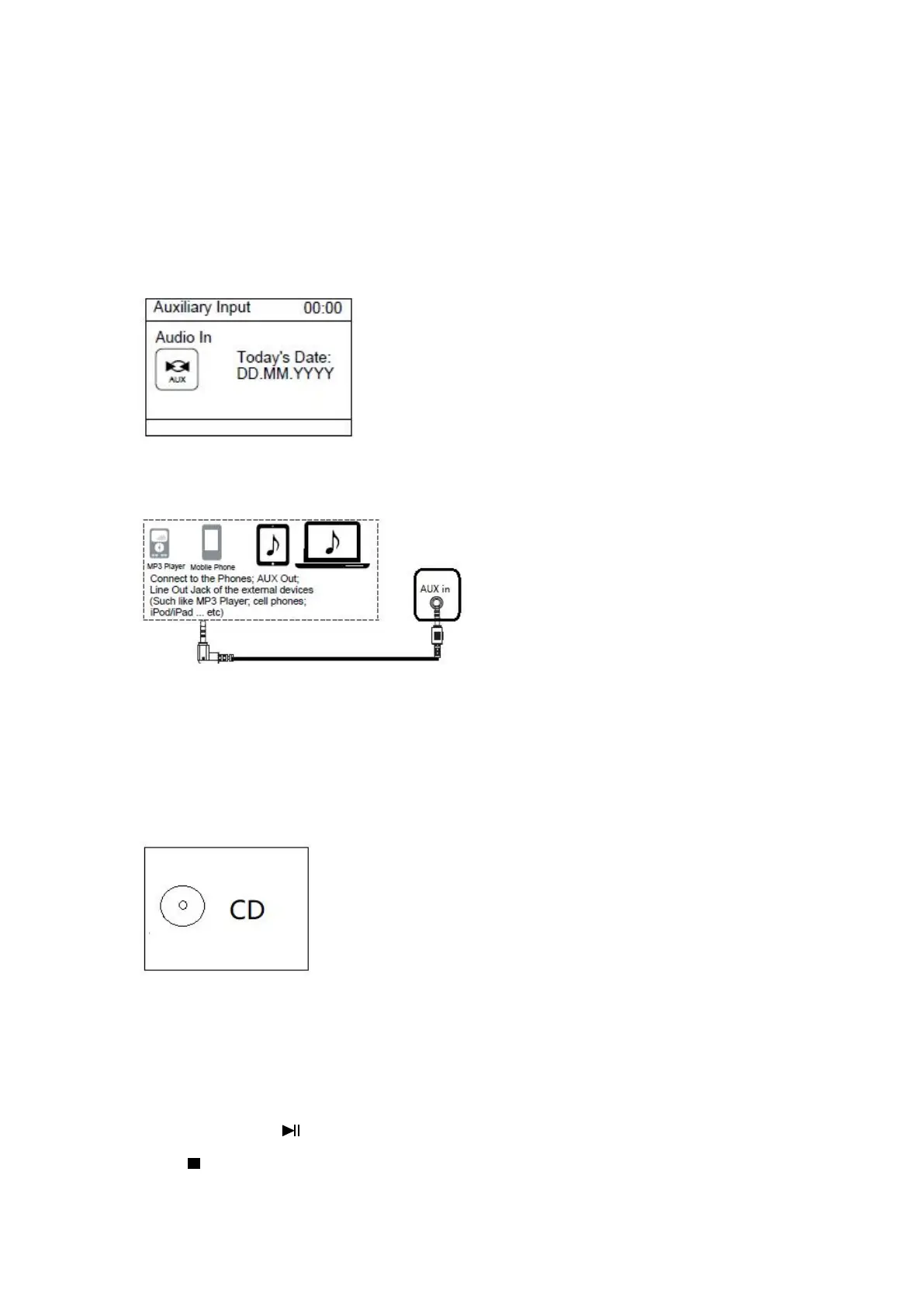
In Main menu, if AUX in is selected, the following page will appear.
Connect as illustrated below:
During playing, use the control on your external device.
CD mode
:
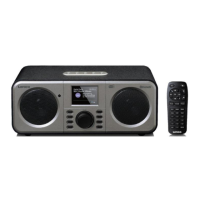
In Main menu, if CD is selected, the following page will appear.
Open the CD door by press the top cap.
Insert a CD disc into the CD compartment.
PLAY/PAUSE operation:
Press OK button or button on the device and remote contro to start play or Pause
Press button on the device or on the remote control to stop play.


 To Next Page