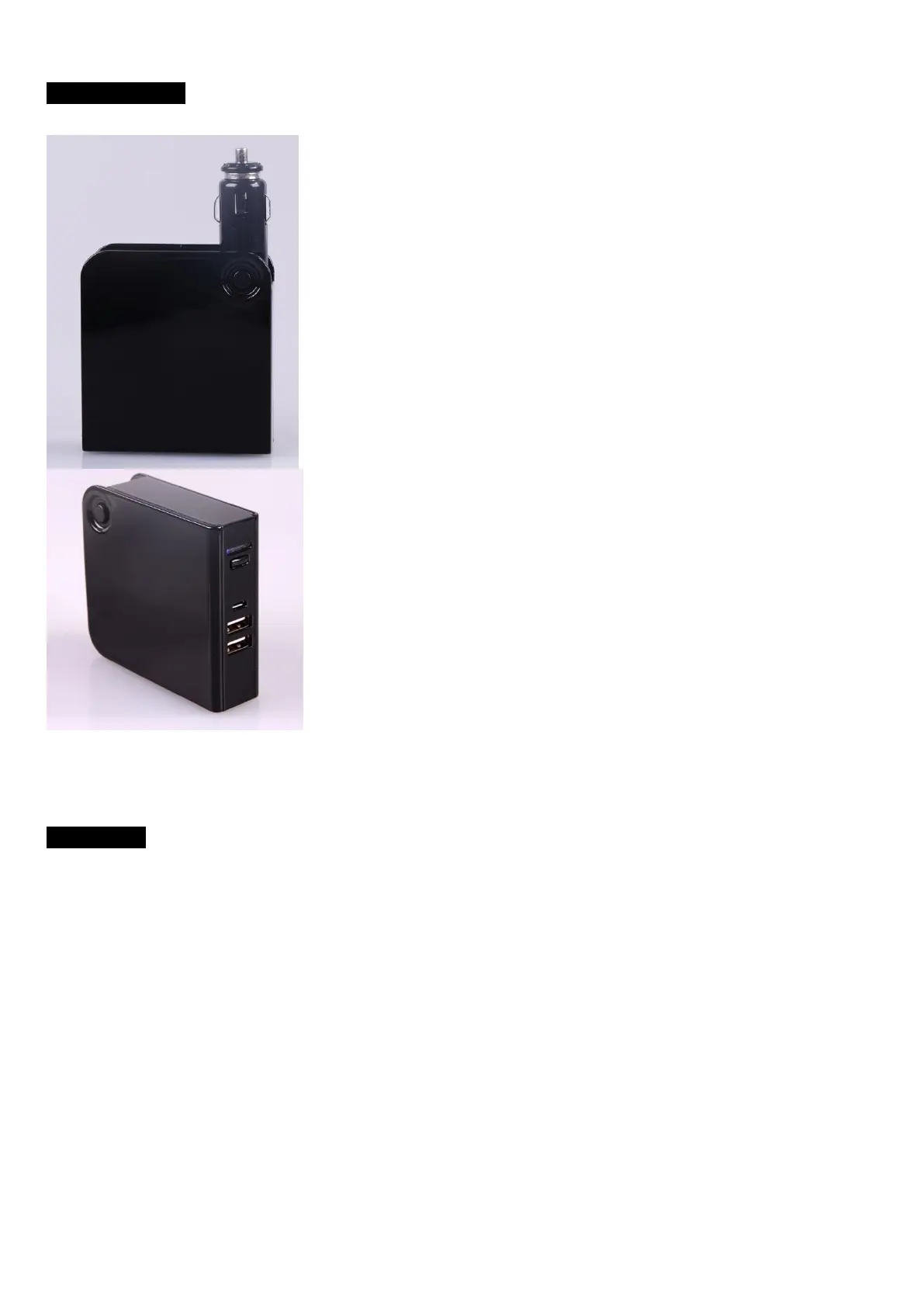
Product Photos
User Guide
A. Charging the power bank.
Connect the power bank to computer USB or adaptor (not included) by USB cable or car by using
car adaptor from power bank.
While charging, LED light will be bright and sparking. (If you do not want to see the LED light
during charging, press the ON/OFF button, they will be off)
When the 4 LED light on permanent, power bank is fully charged.
B. Charge the other device using this power bank (Take Mobile as an example)
There are 2 USB Output, 1A and 2.1A, suitable for Mobile, MP4, and most of other devices.
Long Press the ON/OFF button, power bank start Output
When the Mobile is fully charged, the power bank will stop charging automatically and come into
sleep mode.


 To Next Page
 Loading...