6
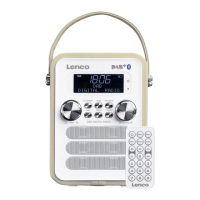
Panel Keys introduction:
Toggle between 'On' or 'Standby' mode (showing time and date). Cancels sleep function and a
sounding alarm.
When running on batteries the “standby” button turns the unit off
Turn to adjust volume, Press to mute on/off
Turn to cycle through menus and options.
Press to ENTER current select option. In DAB or FM mode it will do a automatic scan. In BT mode it
has PLAY/PAUSE function
In Menu it has an entry function
Cycle through the Audio sources/modes: DAB/FM/BT/Aux in.
Short press: Cycle through further information screens and return to the normal now playing
screen. Press and hold to return immediately to the normal Play screen. Long press: Show menu
for the current mode. Press again to show now playing screen.
Short press for preset station selection (Use the SKIP+ button control to choose and select a
specific preset). Long press to enter preset station (SKIP-/SKIP+ button control to choose and select
a stored preset). In BT/AUX in mode, short press or long press PRESET will have no effect.
Return to parent menu level
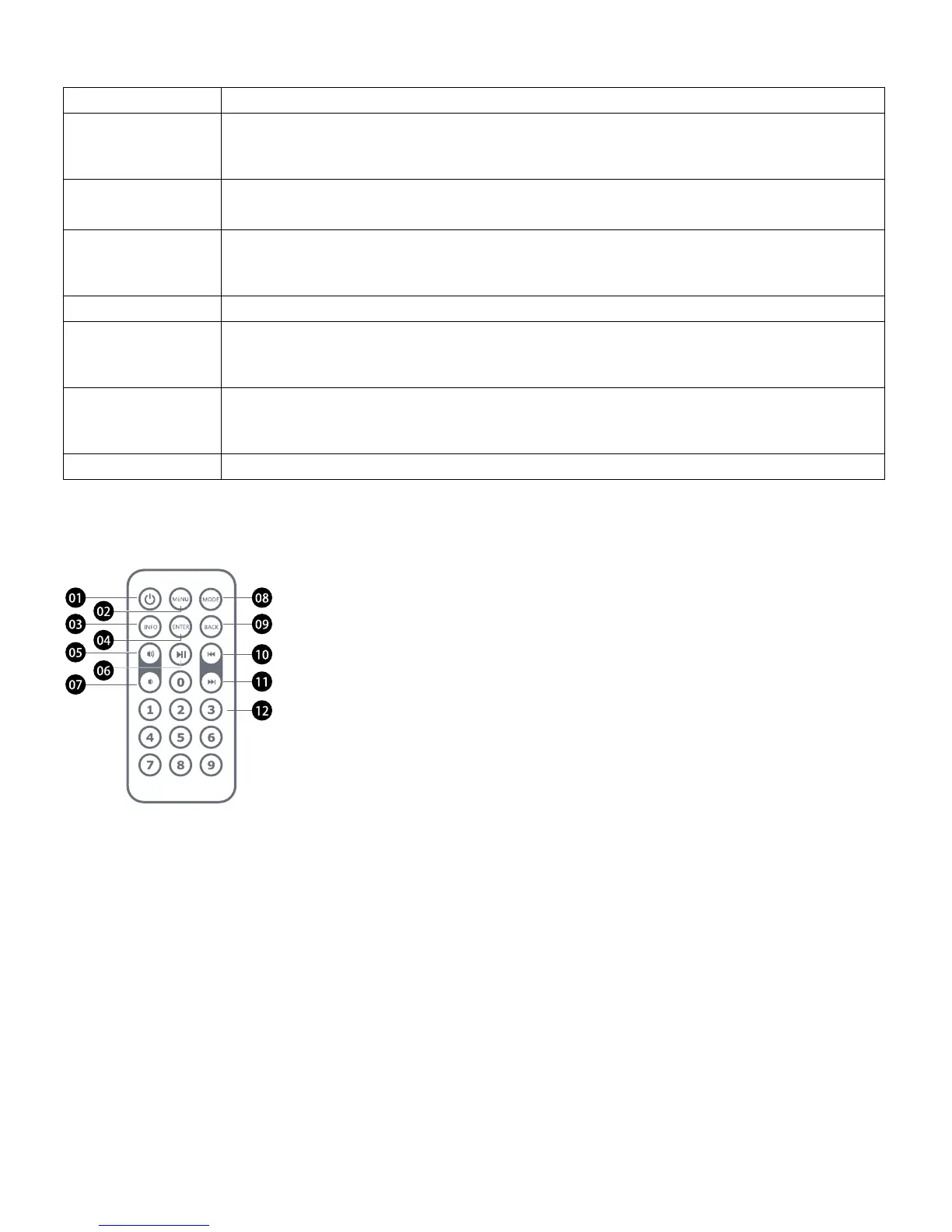
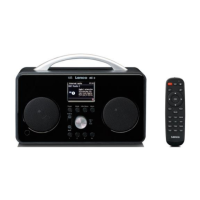
01. Standby
02. Menu: will show options menu of the selected source.
03. Info: View the various information of the selected source.
04. Enter: Press to enter current selected option.
05. Volume+
06. Play/pause
07. Volume-
08. Mode: Cycle through the audio source/modes: DAB, FM, BT, Aux in.
09. Back: Return to the parent menu level
10. SKIP-
11. SKIP+
12. 0-9 is the number keys; Long press to enter preset station; short press for preset
station selection.


 To Next Page