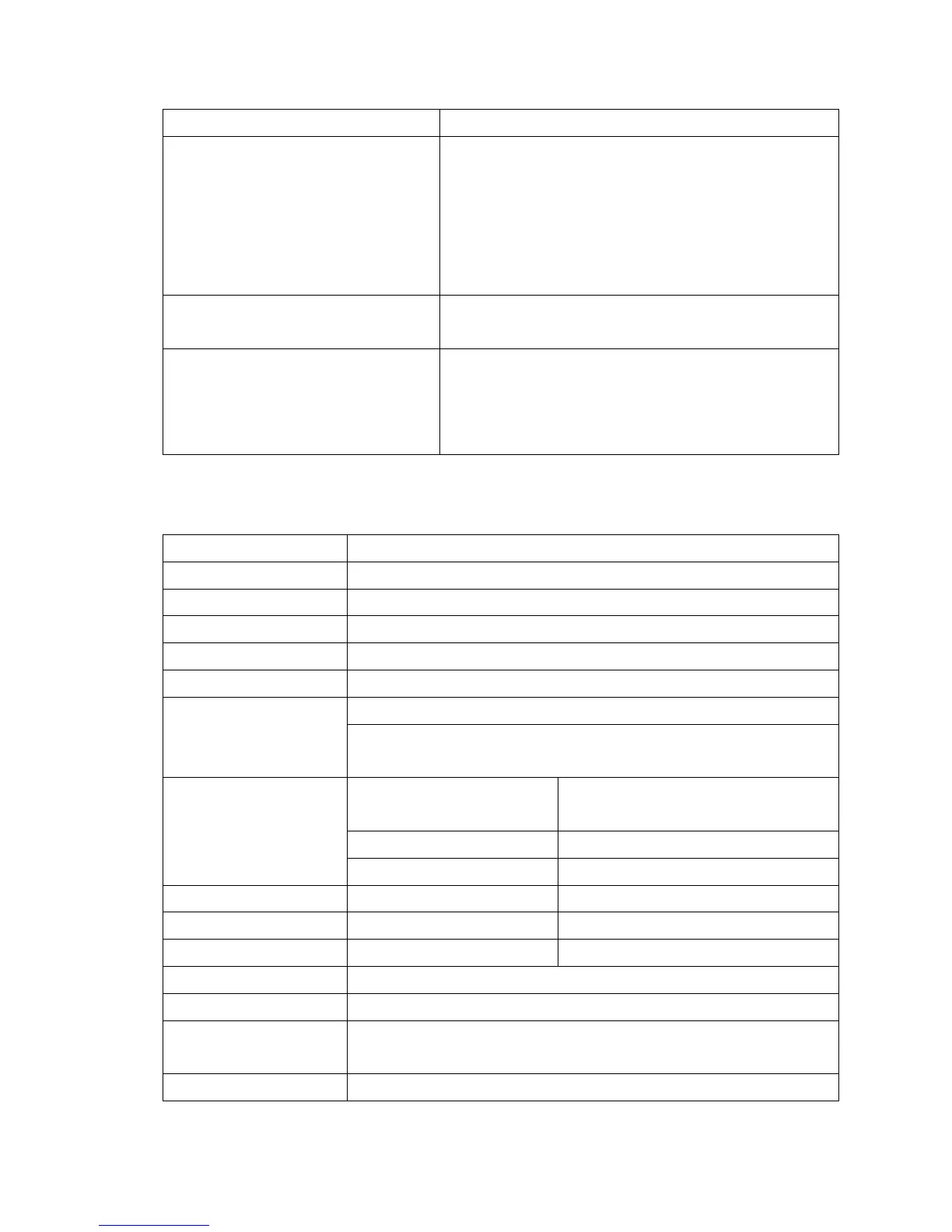
No sound is heard from
headphone.
* Check whether Volume is set “0” and connect
the headphone plugs firmly.
* Check whether the headphone plug is dirty.
* Corrupted MP3 may make a static noise and the
sound may cut off. Make sure that the music files
are not corrupted.
Characters in LCD are corrupted * Check whether the right language has been
selected.
Download of music files fails. * Check whether USB cable is damaged and is
connected properly.
* Check whether driver is installed correctly.
* Check whether the player’s memory is in full.
27. Specification
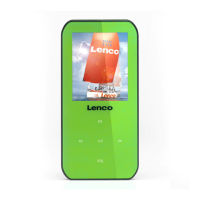
Dimension 53.5 mm (H) x 43 mm (W) x 18 mm (D)
Weight 28g
LCD 1.8 Inches, Resolution (RGB)128 x 160
PC connection USB 2.0 (high speed)
32 Ohm
Internal Memory See carton
Battery
Lithium 3.7V, 170mAh
Max. Play Time: > 8 - 10 Hours (MP3 music with power
saving mode)
Audio
Max. Output Power of
Earphone
L = 275mV(rms) at 32 Ohm
R = 275mV(rms) at 32 Ohm
Frequency Responses 20Hz to 20,000Hz
SNR > 60dB
Music Format MP3 / WMA 32Kbps – 320kbps
Movie Format AMV
Recorder Coding WAV 32 / 64 / 128 / 256kbps
Picture Format JPEG / BMP / GIF
eBook Format TXT
Operating
Temperature
0 to 40℃
Operating System Window 2000/XP/Vista/Win7, Mac 9.2 or above



 To Next Page