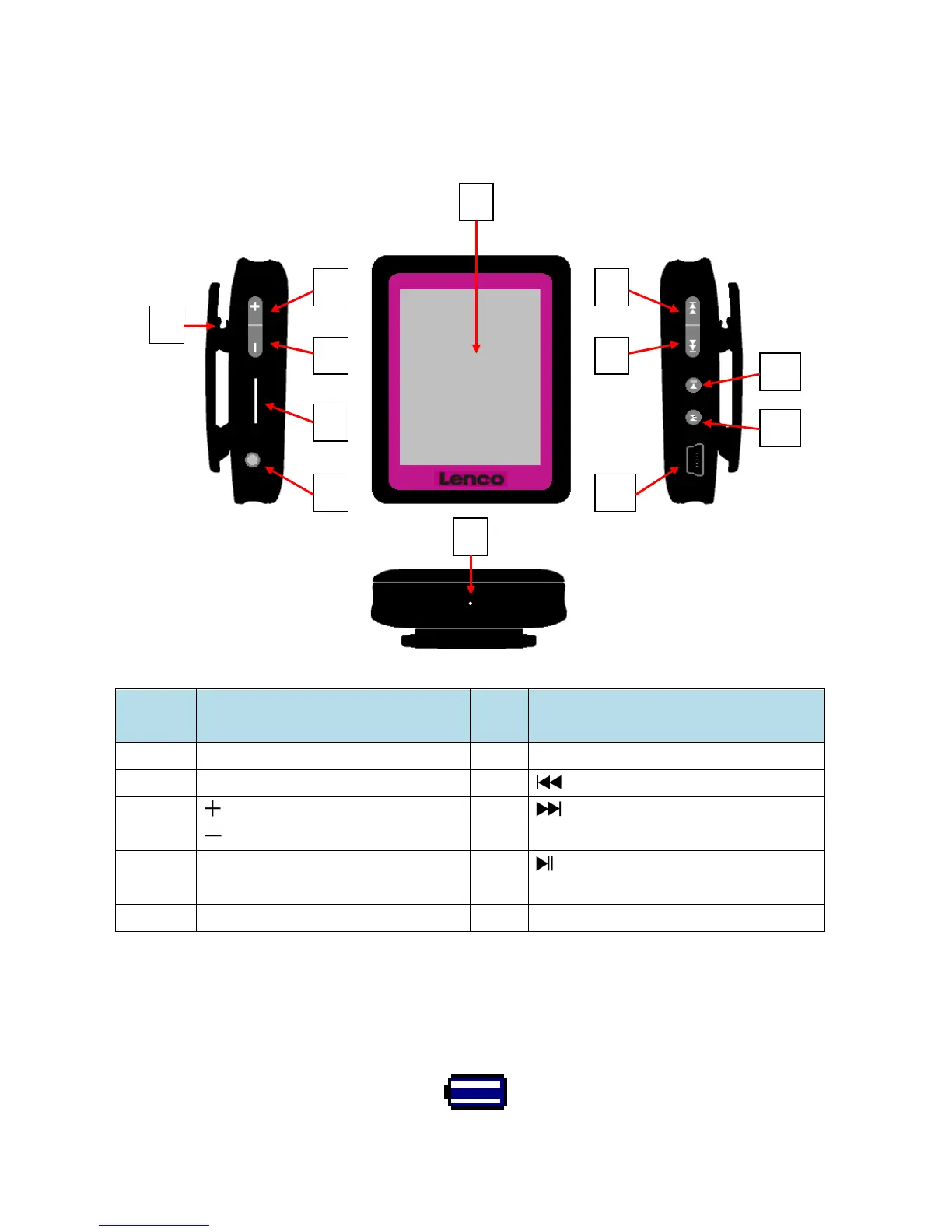
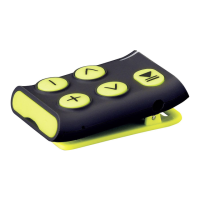
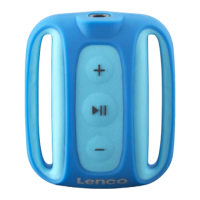
1. Get to know the controls on Player
Item
Description Item
Description
1
TFT Display
7
Mic Hole / Reset Switch Hole
2
Clip
8 (Previous / Fast-Backward)
3 (Volume Up) 9 (Next / Fast-Forward)
4 (Volume Down) 10
USB Mini Connector
5
Memory Card Slot
11 (Play / Pause / Standby ON -
OFF)
6
Earphone Output Jack
12
M (Menu / Enter / Select)
2. About Player Battery
Player has an internal, non-user-replaceable battery. For best results, the first time you
use player, let it charge for about 2 hours or until the battery status icon in the “Connect”
screen shows that the battery is in full.
Battery is in full
3
4
5
2
6
7
8
9
10



 To Next Page