Getting Started
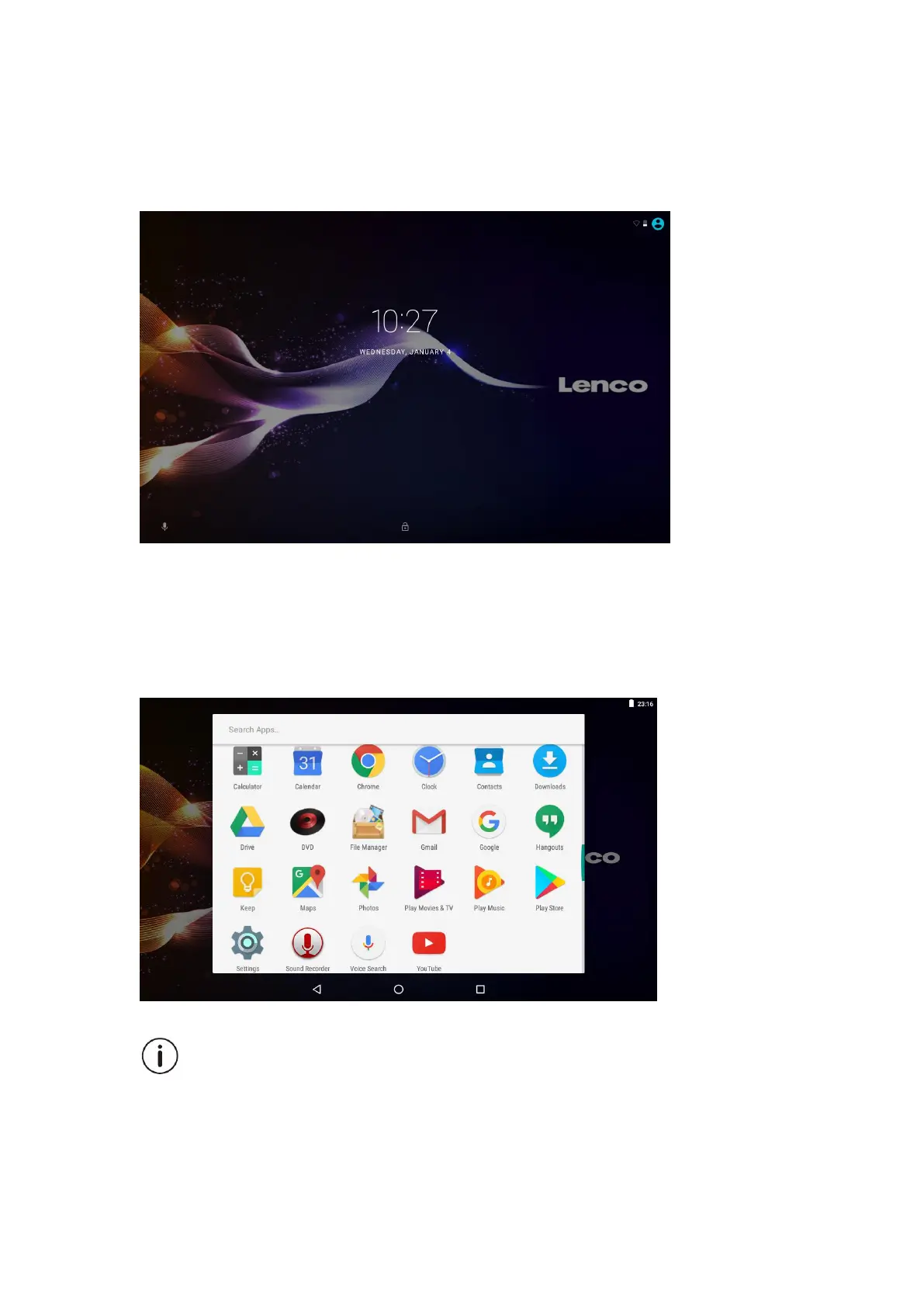
Unlocking the Screen
When the screen turns off, you will have to unlock the screen, when you turn it back
on. To unlock the screen, swipe up the lock icon.
About Applications
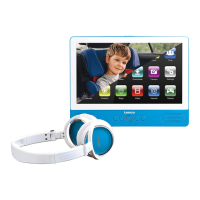
To open an application, touch the application icon on the home screen or in the
Launcher where you can tap the icon right up on the home screen to get in..
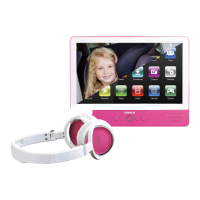
Launcher screen:
The screen shown above is for illustrative purposes only. Reserves the right to modify
and improve the final list of applications available on the tablet.


 To Next Page