20
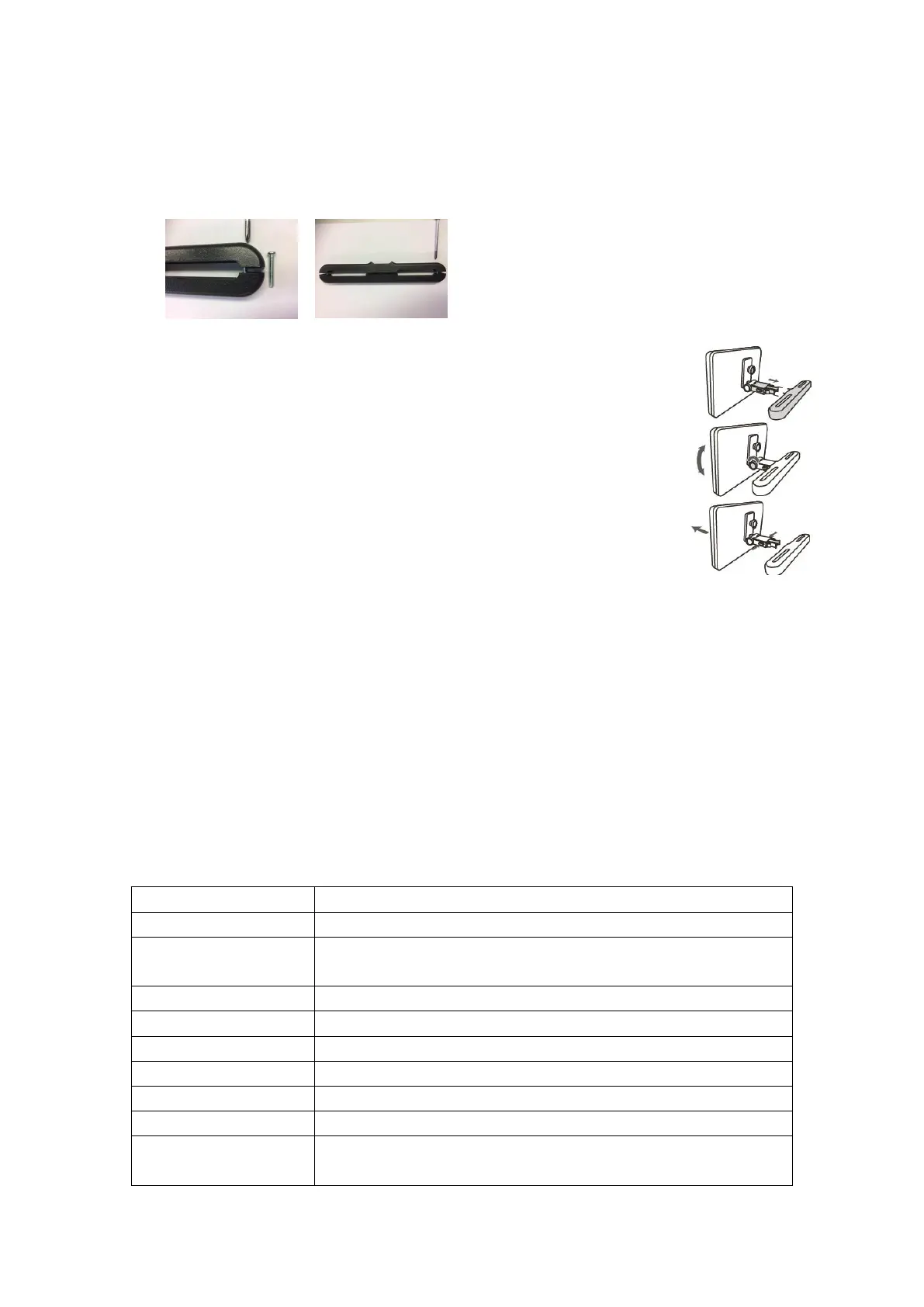
Remark: If the legs of the headrest are too thick for the opening of the horizontal
support bar of the bracket, please unscrew the 4 screws of the support bar of the
bracket to adjust the opening. In case the screws are too short, use the longer
screws (provided in the giftbox).
3. Grip the DVD firmly with both hands and slot the angled support
firmly into the support bar. It will click. Ensure the entire unit is
4. Adjust the angle of the DVD unit, then secure by tightening the bolt
5. To remove the DVD from the horizontal support bar, support the DVD
unit with one hand. With the other hand, firmly squeeze the release
buttons either side of the angled support and pull.
• This unit should never be used by the vehicle’s driver or left unsecured in the
vehicle while driving.
• If this unit is being used in your vehicle, be sure that it is secured or held safely,
and does not obstruct any safety device, including air bags or seat belts.
• All passengers should wear seat belts when using this unit in a moving vehicle.
• If in doubt, please contact your vehicle manufacturer for further advice.
Specifications
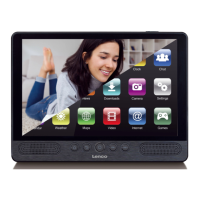
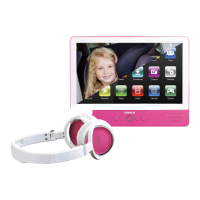
Tablet:
16GB flash built-in; micro SD card slot (max.32GB
supported)
9” TFT LCD (1024X600), Capacitive touch screen
Built-in microphone 2x1.5W speaker
JPG, PNG, GIF, BMP, 3PG, MP4, AVI, MOV, MKV, MP3, WAV
AAC M4A, AMR, APE, FLAC, MID, OGG


 To Next Page