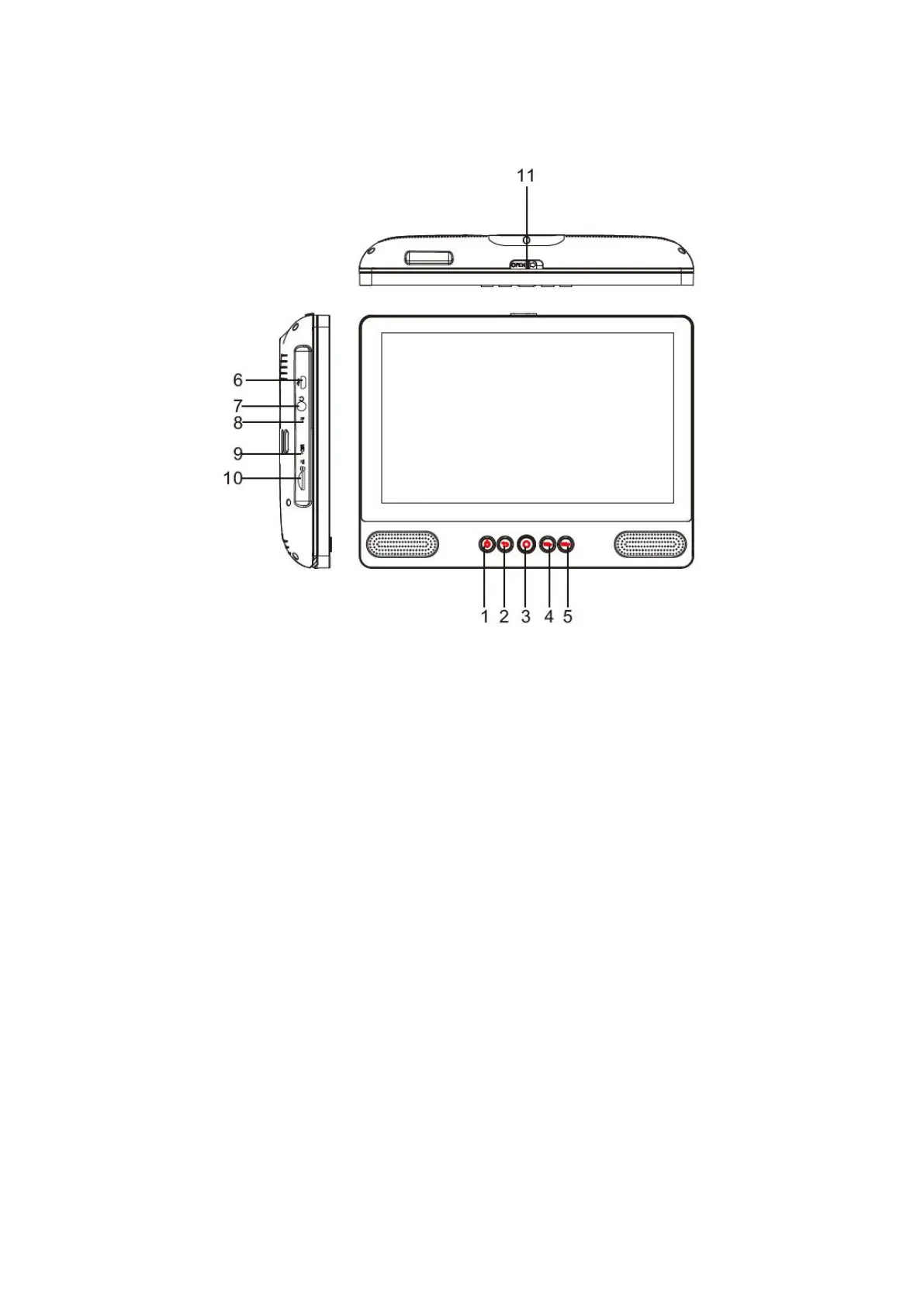
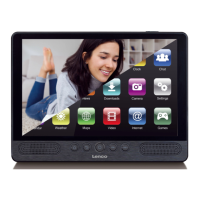
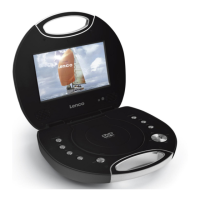
Unit at a Glance
1. POWER
Press to turn the unit on or off, or to turn the screen on or off.
a. To turn the unit on, press and hold the power button.
b. To turn the unit off, press and hold the power button to access the Power Off menu,
then you can tap “Power off” to turn off the unit.
When in DVD mode, power button is unavailable to be used. pls return to the
Tablet interface for powering off.
2. Return
Press this button return to the previous page.
3. Home
4. VOL-
Decreases the volume.
5. VOL+
Increase the volume.
6. USB HOST
Connect to a USB device or a computer to transfer data (e.g. music, videos, photos,
files).


 To Next Page