27
Basic operations
10
5
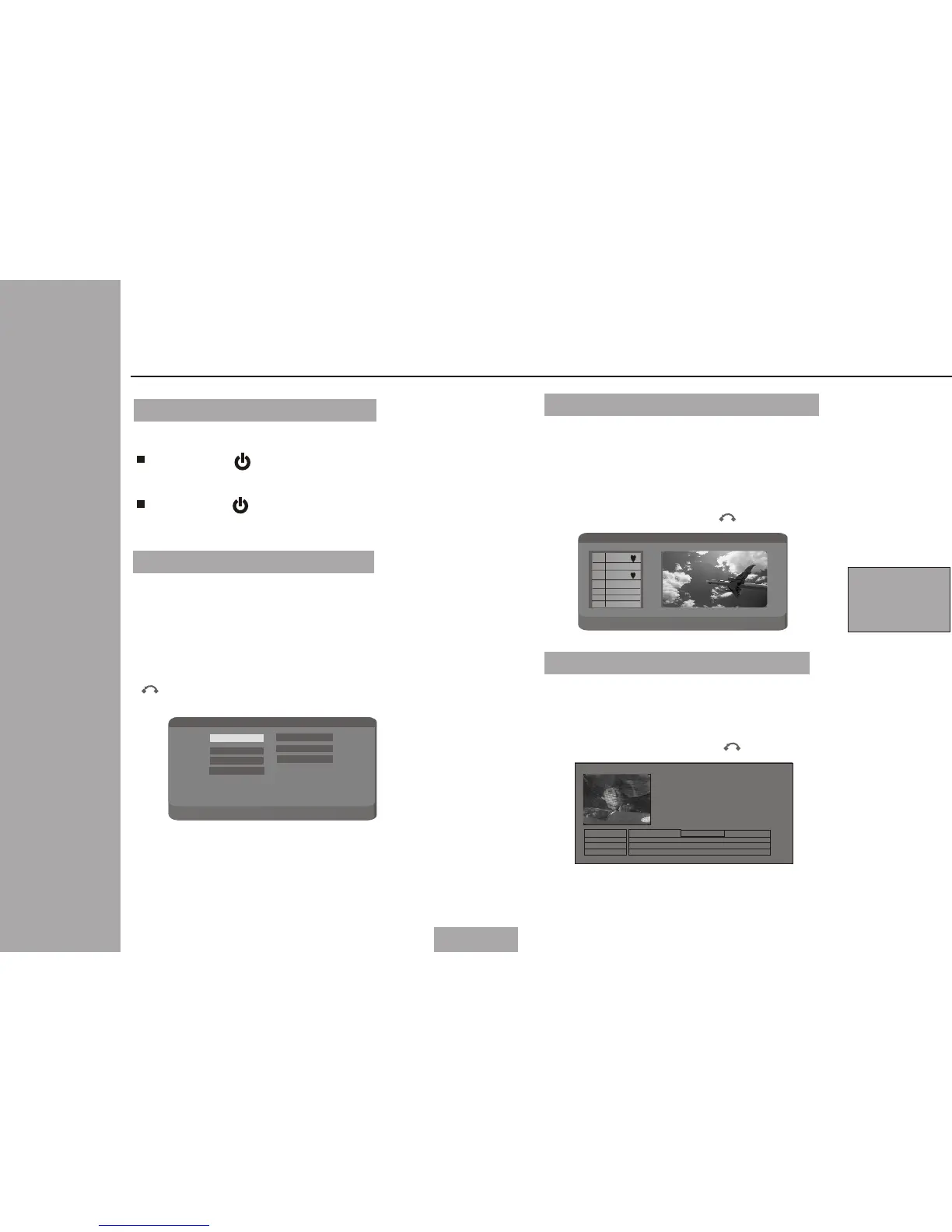
DVB-T SETUP
When press MENU ,the unit wil l be
in DVB-T setup status.Set up ma in
menu is as following:
You could use cursor key and O K t o
select the correct settin gs.
You could use Menu to exit or us e
to re tur n.
When you select TV channel,the un it
will be shown as following:
Using MENU to ex it or to return.
You could use UP/DOWN to sele ct yo ur
favorite program and pres s OK to c onf irm
your choice, Press OK again t o can cel
your choice.
When you select EPG ,the un it will
be shown as followi ng:
You could use UP/DO WN to sel ect
the program.
Using MENU to ex it or t o retur n.
El ec t ro ni c Pr og ra m G ui de
GD 1
GD 2
GD 3
01 / 01 / 20 06
01 : 00
02 : 00 03 : 00
Electronic Program Guid e
Turning on/off the main unit
1
2
Turn power on
Press POWER 1.5 seconds to turn on
the unit.
Turn power off
Press POWER 1.5 second to turn off
the unit.
TV C h an n el : F a vo r it e c ha n ne l
Pl ea se ' EN TE R' t o ad d to f av or it e
GD 1GD 1
GD 2GD 2
GD 3GD 3
GD 4GD 4
00 100 1
00 200 2
00 300 3
00 400 4
DT V c ha n ne l
DT V ch an ne l >
SD -M MC >
Us e 'R ig ht /L ef t' t o se le ct
Ra d io c h an . >
EP G >
TV c h an . >
Ga me >
Se tt in g >
DT V c ha n ne l
DT V ch an ne l >
SD -M MC >
Pr es s 'R ig ht /L ef t' t o se le ct
Ra d io c h an . >
EP G >
TV c h an . >
Ga me >
Se tt in g >
Ho w to defi ne favorite program


 To Next Page
 Loading...
