06
4
Connecting to DVB-T antenna
Plug the antenna to the anten na so cke t.
Please select correct ant enn a mod el in system setup menu.
The following is must be know n:
Type of antenna
The antenna is divided into 2 m ode l: Ac tive and Passive. When you ch ang e
the antenna, please choic e the c orr ect antenna model.
If you don't know the model, pl eas e cho ice passive. (In the setup me nu)
When the unit is moved to a new country
Please search the program f irs t. Th e signal is different from co unt ry,
you must select the correct c oun try .
Connecting the main unit to other components
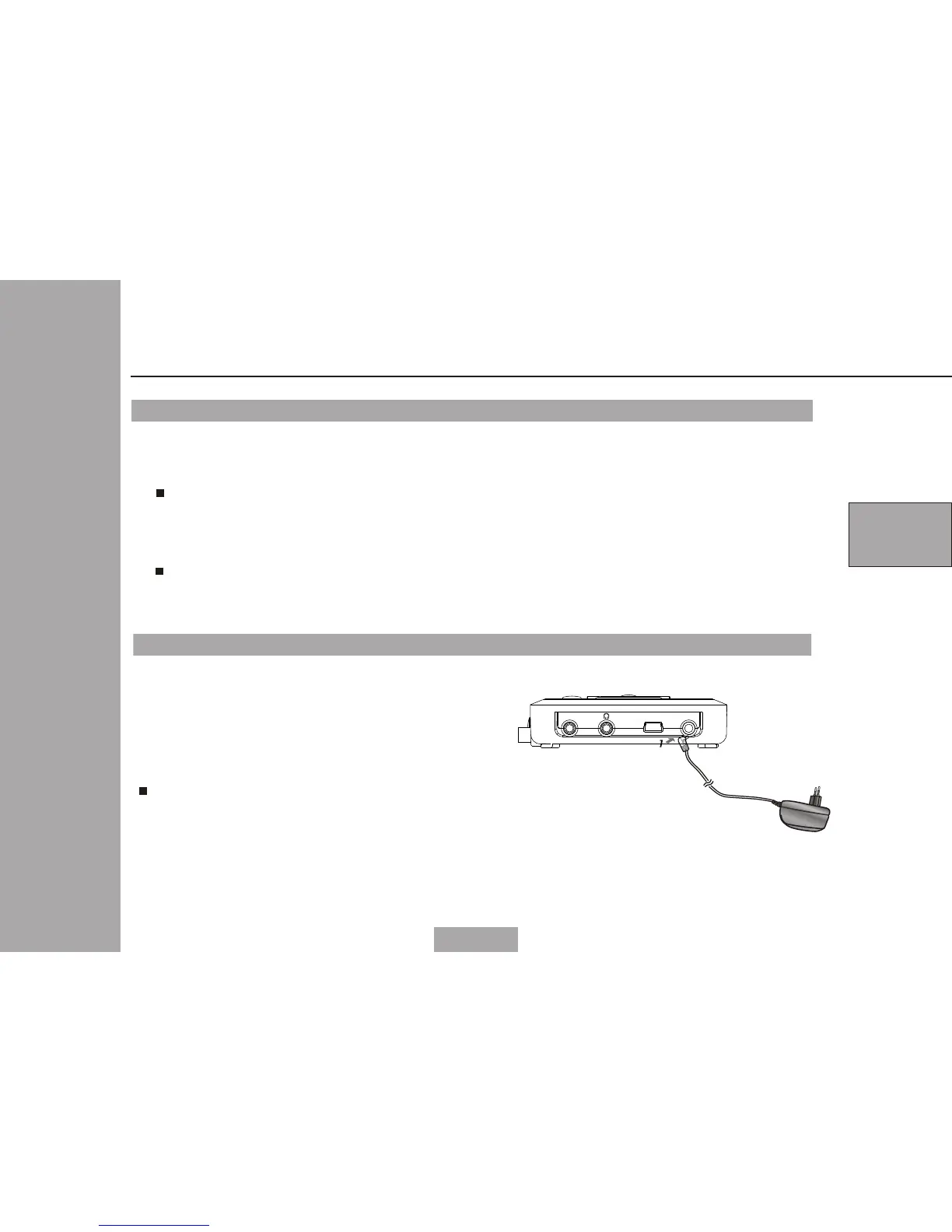
Connecting to AC-DC adapter
1 Please plug the AC-DC adapter to AC
power socket;
2 Connecting the DC output of adapter
to DC in of the main unit.
AC-DC adapter specification: 5V/1.0A
Please using the adapter that is the
standard accessory of the main unit.
Note:
USB DC INVIDEO OUT
Ma i n uni t
le f t sid e


 To Next Page
 Loading...
