Chapter 1. Meet your Chromebook
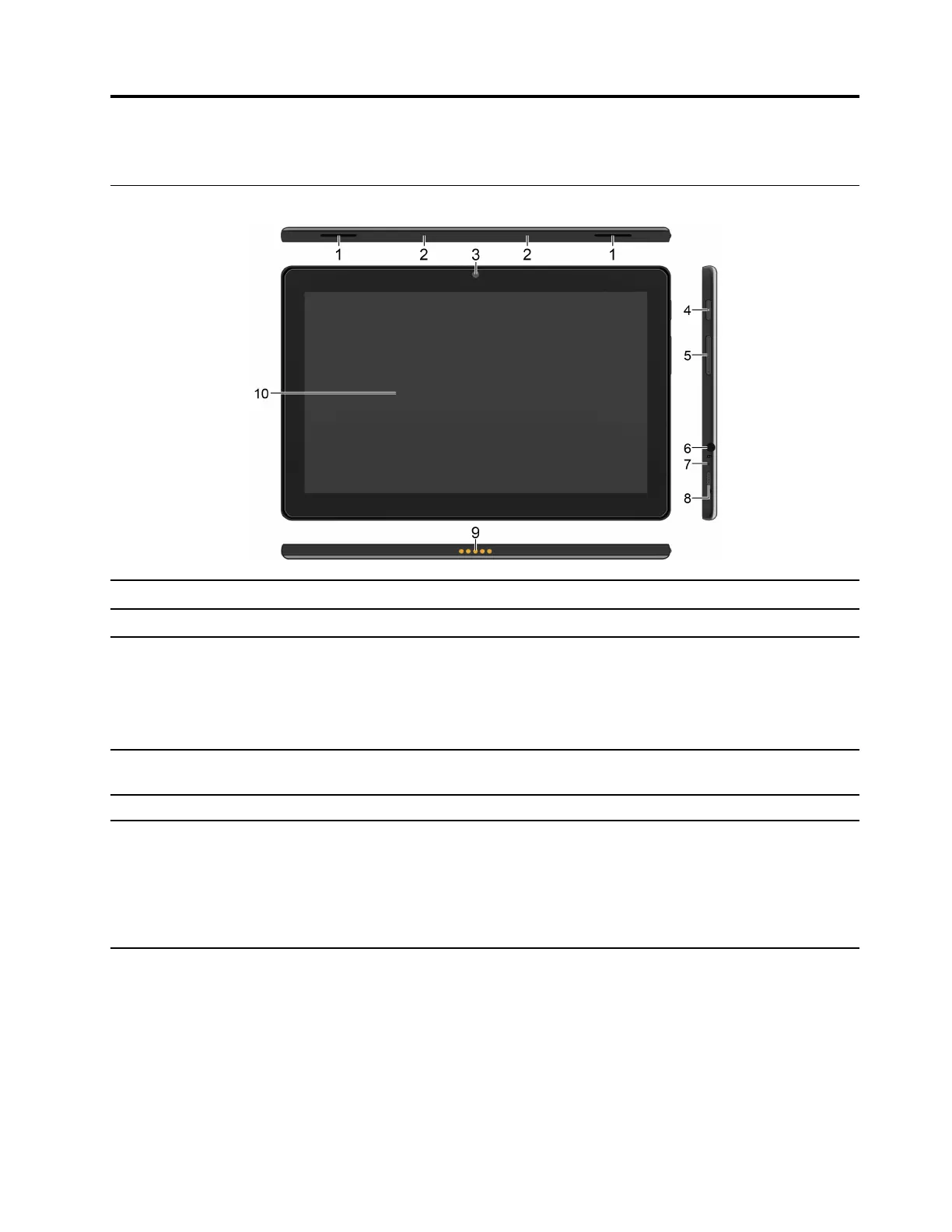
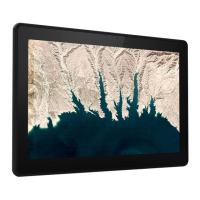
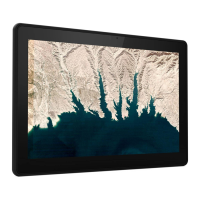
Connectors and indicators
1. Speakers
Enable you to experience high-quality sound.
2. Microphones Capture or record sound.
3. Front camera
Take pictures or record videos by tapping Camera from the app Laucher. The
indicator next to the camera is on when the camera is in use.
If you use other apps that support photographing, video chatting, and video
conference, the camera starts automatically when you enable the camera-
required feature from the app.
4. Power button
Press the power button to turn on your Chromebook.The power button also can
be used to put the Chromebook to sleep mode or wake it up.
5. Volume button Increase / decrease the volume.
6. Audio connector
• Connect headphones with a 3.5-mm (0.14-inch) and 4-pole plug to listen to the
sound from the Chromebook.
• Connect a headset with a 3.5-mm (0.14-inch) and 4-pole plug to listen to the
sound from the Chromebook or talk with others.
Note: The audio connector does not support standalone external microphones.
© Copyright Lenovo 2020 1




 To Next Page