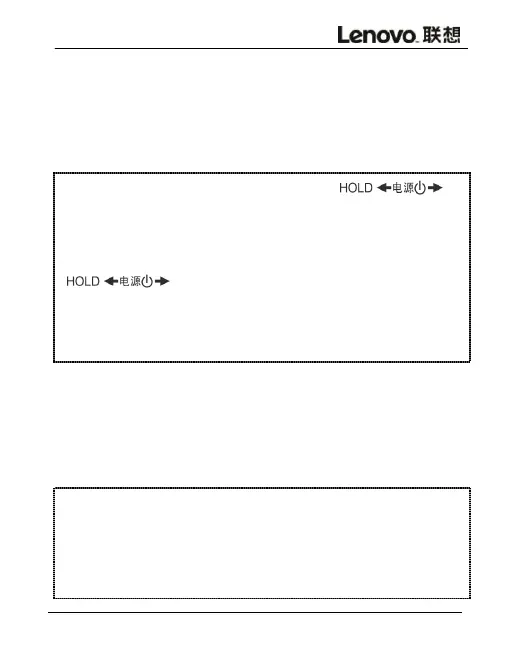
In the state of PLAY or STOP, tap up
to HOLD position for the key lock function.A lock will
show on the screen ,and other buttons will not work.Tap
down to release key lock (Please
make sure the key lock is on during recording ,so to avoid
misoperation.)
When playing recording files or music files,
short-press MENU button for repeating mode. press MENU
button to set the repeating starting point A, then A
will show on the screen; press MENU button to set the
destination point B and A-B then shows on the display



 To Next Page