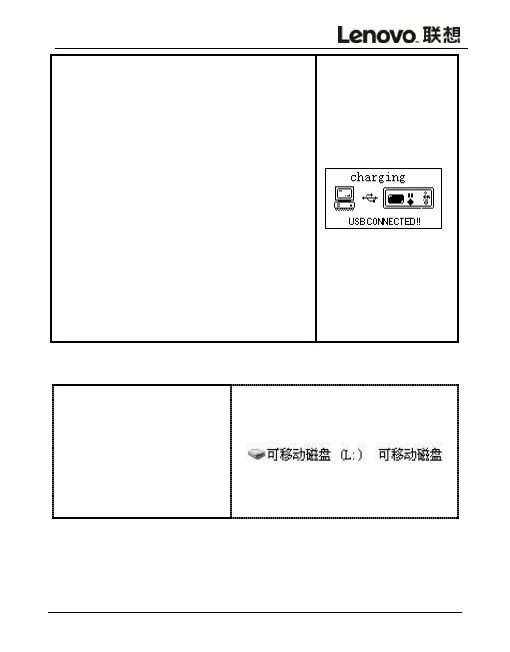
In order to download and upload
files from the computer, please
connect the USB Jack in PC and B613
with equipped USB cable, which will
automatically boot after the
connection.During the first
connection, there will be Create a
driver repository ,Find new
hardware ,etc. showing on the
computer.B613 can be automatically
detected .The display screen is
shown on the right, indicating that
the connection is successful.



 To Next Page