2
Chapter 1. Getting to know your computer
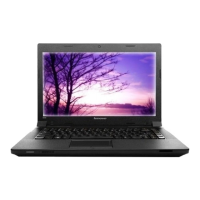
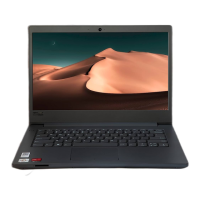
Computer display
The color display with TFT technology provides clear and brilliant text
and graphics.
OneKey Rescue System button...................................................... 18
Power button
Use the power button to turn on the computer.
Speakers
Built-in speakers for rich powerful sound.
Array microphone (built-in)
The built-in microphone (with noise reduction) can be used for video
conferencing, voice narration, or simple audio recordings.
Custom button and Mute/Unmute button ...................................... 17
Fingerprint reader (specific models only)
With the fingerprint reader you can register fingerprints and use them as
passwords to secure your computer.
Wireless antennas (built-in)
Depending on your model, at least one set of antennas are built into the
display for optimized reception.











 To Next Page