EasyManua.ls Logo

Lenovo IdeaCentre Q180 Series - User Manual

Lenovo IdeaCentre Q180 Series
2 pages
Print Icon
To Next Page IconTo Next Page
Loading...
Front view Install optical drive (selected
models only)
Initial setup instructions
Rear view
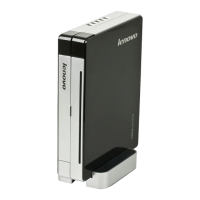
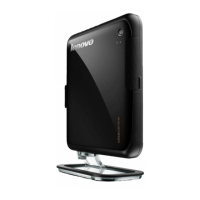
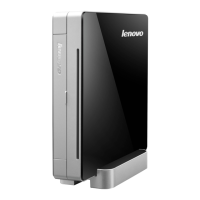
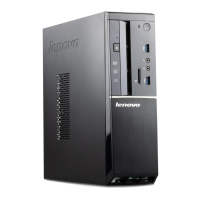
Tiny Desktop PC
Q180 Series
1
2
Power button
Hard disk drive indicator
Optical drive
Memory card reader
USB ports (2)
Headphone connector
Microphone connector
SPDIF port
VGA connector
USB ports (5)
HDMI-out port
Ethernet connector
Power connector
Connect to power
Version: 1.0 2011.08
31500792
Read the detailed information in the Safety and Warranty Guide
before using this computer.
Notes:
• FiguresandillustrationsinthisQuickReferenceare
provided for reference only and may differ from actual
product appearance.
• Productdesignandspecicationsmaybechangedwithout
notice.
• Thecolorandshapemayvarydependingonthemodel.
Attention: Be sure not to block any air vents on the computer.
Blocked air vents may cause thermal problems.

Question and Answer IconNeed help?

Do you have a question about the Lenovo IdeaCentre Q180 Series and is the answer not in the manual?

Lenovo IdeaCentre Q180 Series Specifications

General IconGeneral
BrandLenovo
ModelIdeaCentre Q180 Series
CategoryDesktop
LanguageEnglish

Related product manuals