1
Get started
• Read this guide carefully before using your device.
• All pictures and illustrations in this guide are for your reference only. The
actual product may vary.
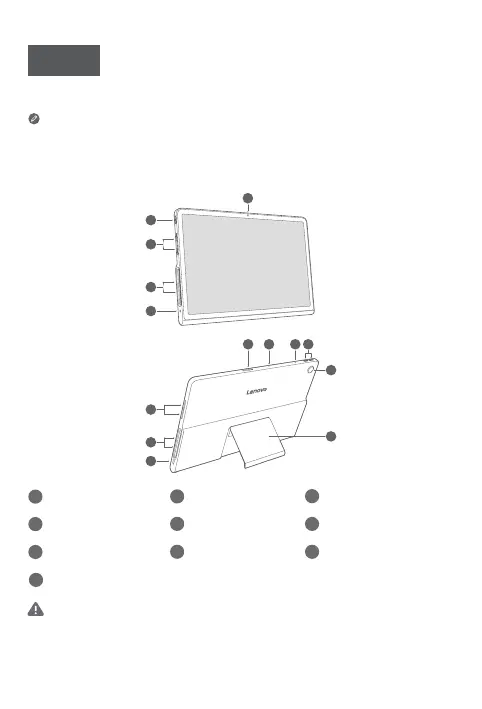
Overview
2
3
3
4
87 76
3
3
5
10
9
1
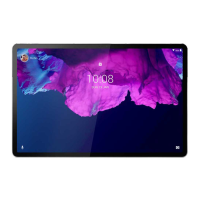
Front camera
2
Power button
3
Speakers
4
Audio jack
5
USB-C connector
6
Card tray
7
Microphones
8
Volume buttons
9
Rear camera
10
Kickstand
• When using the kickstand, do not place your hands on the edge or inside
the stand to avoid injury caused by pinching.
• Please do not poke any objects into the speaker grill to avoid damaging the
device.
English











 To Next Page