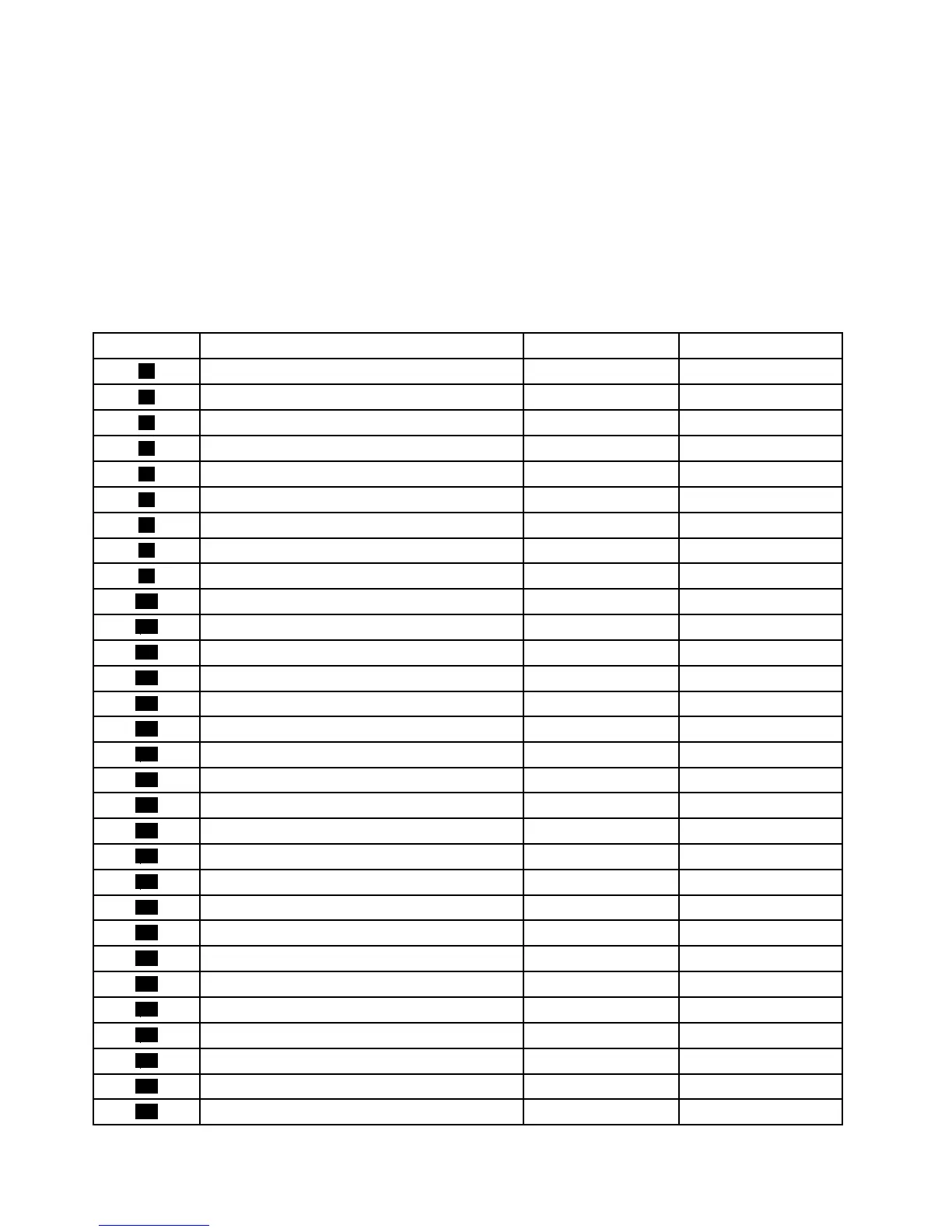
ThefollowingtableliststhemajorFRUsshowninFigure3“LocatingmajorFRUsandCRUs”onpage83and
identieswhichFRUsarealsoself-serviceCRUsoroptional-serviceCRUs.
Notes:
•Self-serviceCRUs:TheseCRUsunplugoraresecuredbynomorethantwoscrews.Examplesof
thesetypesofCRUsincludethekeyboard,themouse,anyUSBdevice,andthepowercord.Other
self-serviceCRUsdependingonproductdesignmightincludememorymodules,adaptercards,hard
diskdrives,andopticaldrives.
•Optional-serviceCRUs:TheseCRUsareisolatedpartswithinthecomputerandareconcealedbyan
accesspanelthatistypicallysecuredbymorethantwoscrews.Oncetheaccesspanelisremoved,the
specicCRUisvisible.
NumberFRUdescription
Self-serviceCRUOptional-serviceCRU
1
Systemstandhingecover
YesNo
2
Systemstand
NoYes
3
Computercover
NoNo
4
Systemboardshieldwindow
NoNo
5
Systemboardshield
NoNo
6
HandlebarNoNo
7
HeatsinkassemblyNoNo
8
MicroprocessorNoNo
9
MemorymoduleNoNo
10
BatteryNoNo
11
Microprocessorfan
NoNo
12
Systemboard
NoNo
13
Cardreader
NoNo
14
FootstandNoYes
15
InternalspeakerNoNo
16
WI-FIconnectorNoNo
17
PowersupplyNoNo
18
RearI/Oconnector
NoNo
19
InternalspeakerNoNo
20
Controlbuttonboard
NoNo
21
FootstandNoYes
22
HarddiskdriveNoNo
23
LCDbracket
NoNo
24
LCDpanel
NoNo
25
InverterNoNo
26
Opticaldrive
NoNo
27
VESAmountbracket
NoNo
28
IntegratedcameraNoNo
29
KeyboardYesNo
30
MouseYesNo
84ThinkCentreEdgeHardwareMaintenanceManual



 To Next Page
 Loading...













