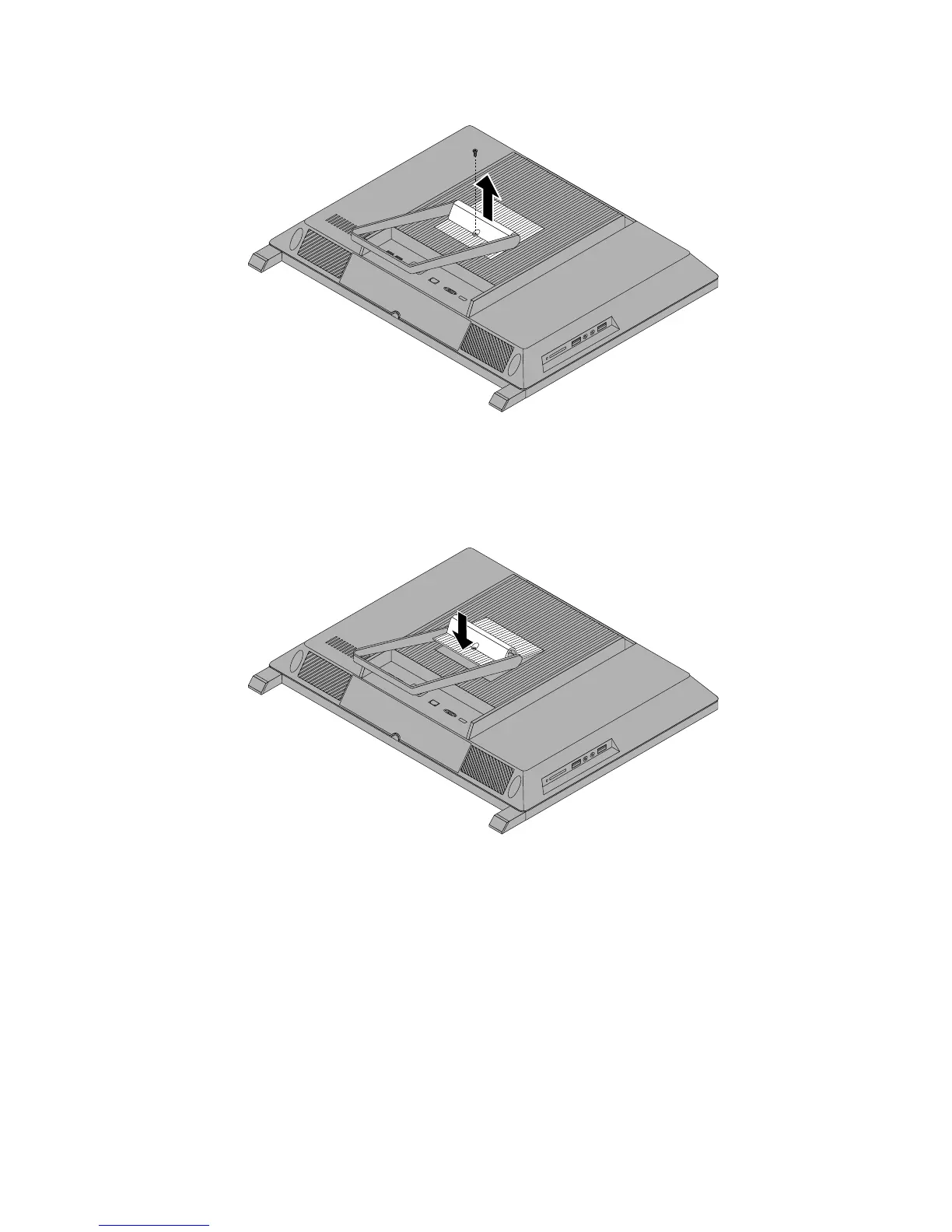
Figure5.Removingthesystemstandhingecover
6.Toreinstallthesystemstandhingecover,placethesystemstandhingecoveronthecomputersothat
thetwoplastictabsonthehingecoveralignwiththecorrespondingholesinthecomputer.
Figure6.Reinstallingthesystemstandhingecover
7.Reinstallthescrewtosecurethesystemstandhingecovertothecomputer.
88ThinkCentreEdgeHardwareMaintenanceManual



 To Next Page
 Loading...













