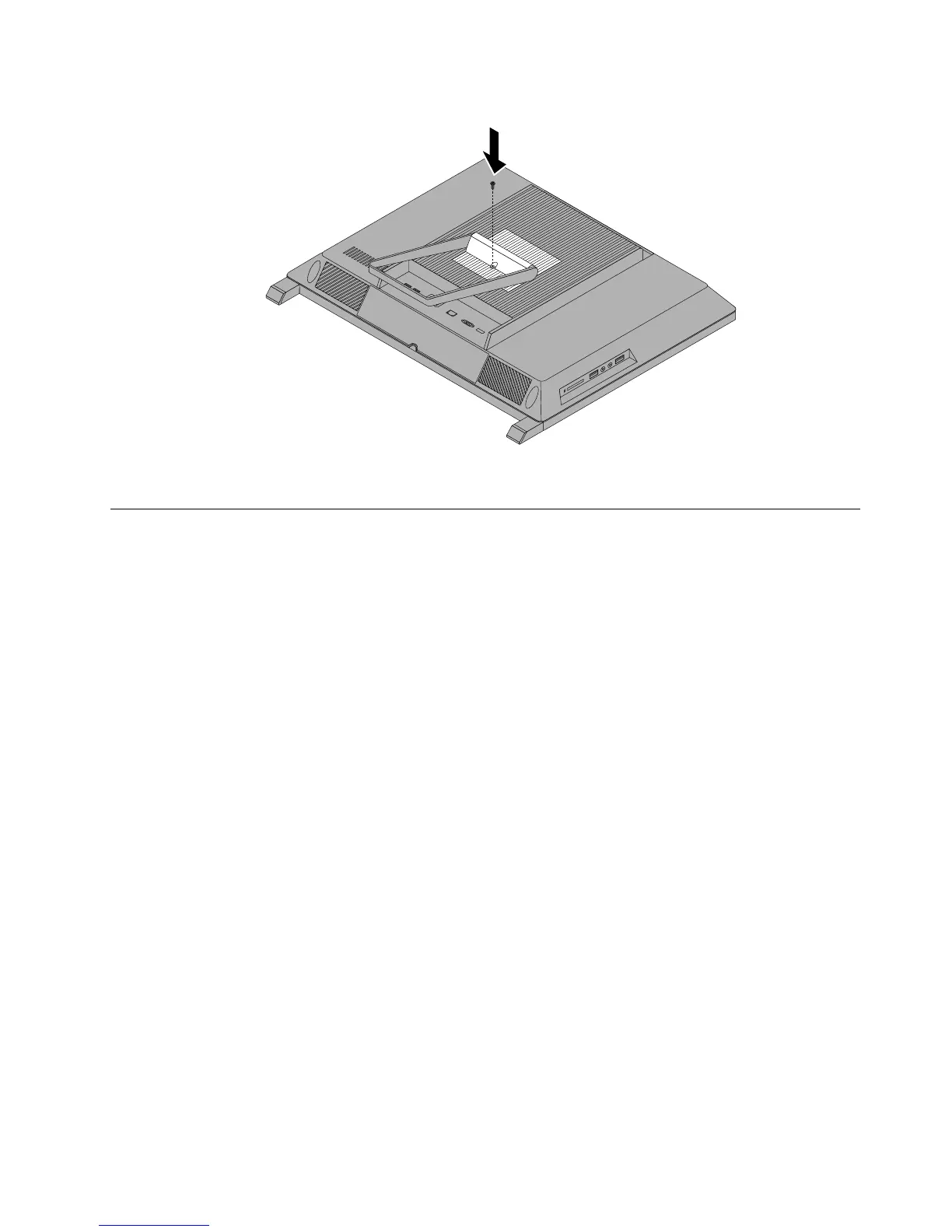
Figure7.Reinstallingthescrewtosecurethesystemstandhingecovertothecomputer
Removingandreinstallingthesystemstand
Attention
Donotopenyourcomputerorattemptanyrepairbeforereadingandunderstandingthe“Importantsafety
information”intheSafety,Warranty,andSetupGuidethatcamewithyourcomputer.Toobtainacopyofthe
Safety,Warranty,andSetupGuide,goto:
http://www.lenovo.com/support
Thissectionprovidesinstructionsonhowtoremoveandreinstallthesystemstand.
Toremoveandreinstallthesystemstand,dothefollowing:
1.Turnoffthecomputeranddisconnectallpowercordsfromelectricaloutlets.
2.Removethesystemstandhingecover.See“Removingandreinstallingthesystemstandhingecover”
onpage87
.
Chapter9.ReplacingFRUs89



 To Next Page
 Loading...













