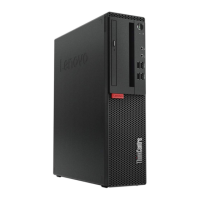
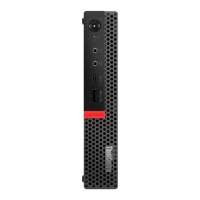
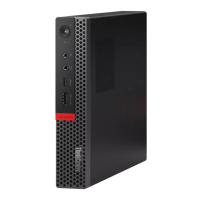
Self-service CRUs Optional-service CRUs Non-CRUs
10 Front access enclosure
13 Front I/O bracket
12 Front bezel
14 Card reader
19 Inner storage drive bracket 15 Power button
20 Outer storage drive bracket
16 Wi-Fi antennas and rear antenna
cover
21 2.5-inch or 3.5-inch storage drive 17 Thermal sensor
22 Storage drive converter
18 Illuminated red dot
23 Keyboard
26 Storage drive cable
24 Mouse
27 Front fan
25 Power cord 28 Internal speaker
30 PCI Express card 31 Chassis
34 M.2 storage drive bracket
33 Cover presence switch
38 Computer cover
35 Rear fan
Replacing the power cord
Attention: Do not open your computer or attempt any repairs before reading the Important Product
Information Guide.
1. Remove any media from the drives and turn off all connected devices and the computer. Disconnect all
power cords from electrical outlets and disconnect all cables from the computer.
2. Replace the power cord.
Figure 10. Removing the power cord
16 M920t User Guide and Hardware Maintenance Manual



 To Next Page
 Loading...