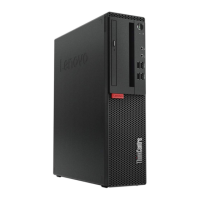
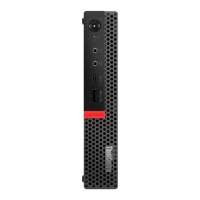
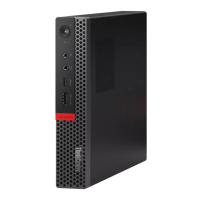
3. Remove the computer cover.
Figure 12. Removing the computer cover
4. Complete the replacement. See “Completing the parts replacement” on page 68.
Replacing the front bezel
Attention: Do not open your computer or attempt any repairs before reading the Important Product
Information Guide.
1. Remove any media from the drives and turn off all connected devices and the computer. Disconnect all
power cords from electrical outlets and disconnect all cables from the computer.
2. Remove the computer cover. See “Removing the computer cover” on page 17.
3. Replace the front bezel.
18
M920t User Guide and Hardware Maintenance Manual



 To Next Page
 Loading...