Chapter 1. Overview
This chapter provides basic information to help you get familiar with your computer.
Front view
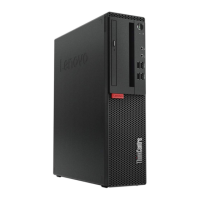
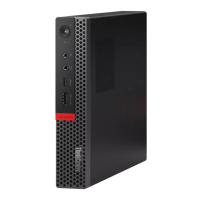
Note: Your computer model might look slightly different from the illustration.
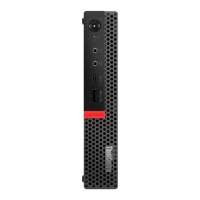
Figure 1. Front view
1 Power indicator 2 Power button
3 Storage drive status indicator
4 Microphone connector
5 Headset connector
6 USB-C™ connector
7 Always On USB 3.1 Gen 1 connector
8 Illuminated red dot
1 Power indicator
This indicator is on when the computer is on.
2 Power button
© Copyright Lenovo 2018, 2019 1


 To Next Page
 Loading...