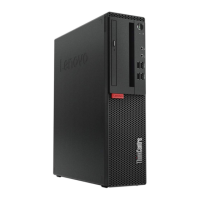
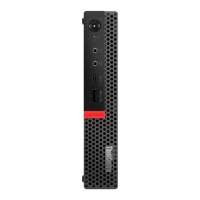
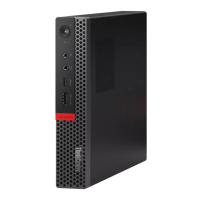
Figure60.Installingthenewinternalspeaker
9.Reconnecttheinternalspeakercabletothesystemboard.See“Locatingpartsonthesystemboard”
onpage11.
10.Reinstallthecoverpresenceswitch.See“Replacingthecoverpresenceswitch”onpage70.
11.Reinstallthefrontbezel.See“Removingandreinstallingthefrontbezel”onpage32.
Whattodonext:
•Toworkwithanotherpieceofhardware,gototheappropriatesection.
•Tocompletetheinstallationorreplacement,goto“Completingthepartsreplacement”onpage87.
ReplacingthefrontaudioandUSBassembly
Attention:
Donotopenyourcomputerorattemptanyrepairbeforereadingandunderstandingthe“Importantsafetyinformation”
onpagev.
ThissectionprovidesinstructionsonhowtoreplacethefrontaudioandUSBassembly.
ToreplacethefrontaudioandUSBassembly,dothefollowing:
74ThinkCentreUserGuide



 To Next Page
 Loading...