Unpack
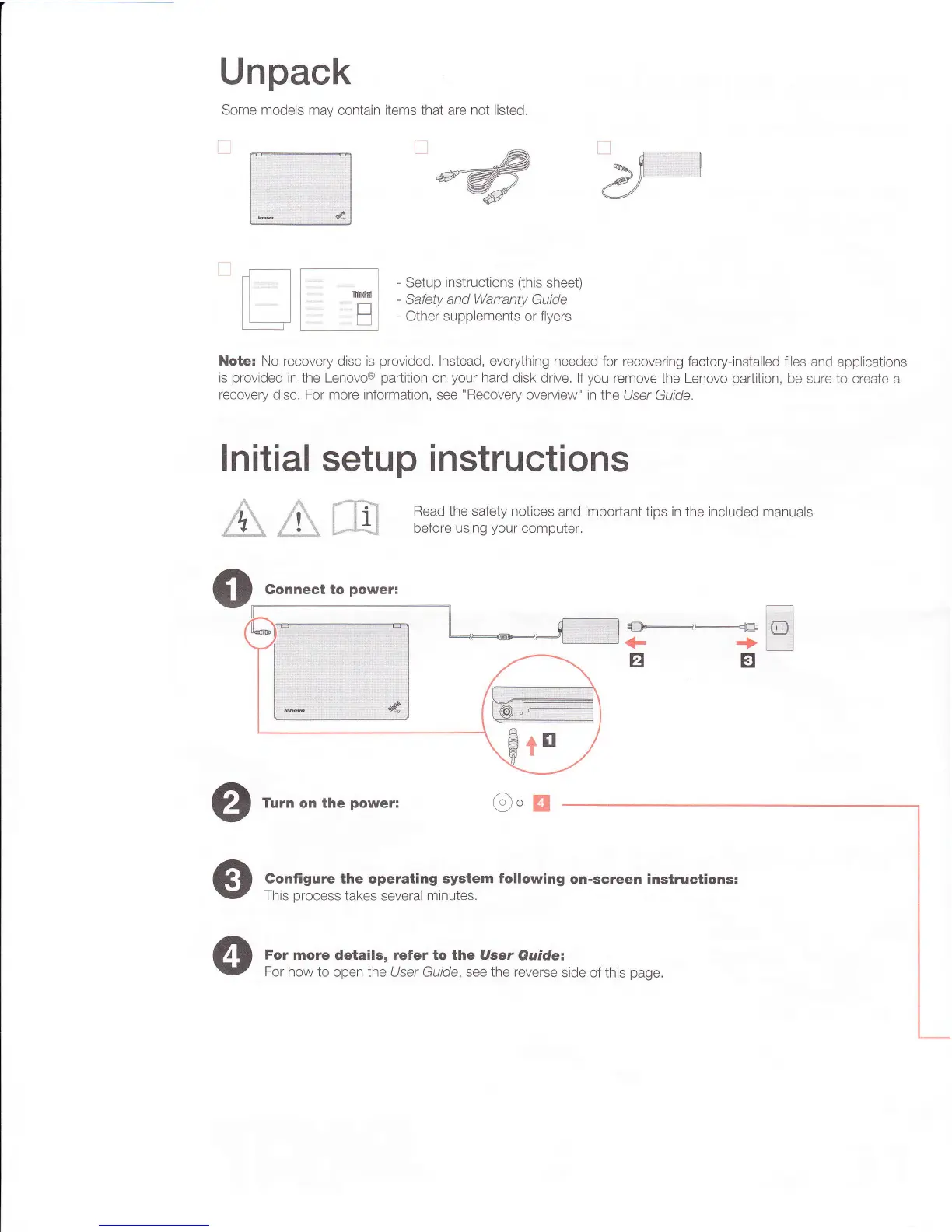
Some models may contain items that are not listed,
Setup instructions (this sheet)
-
Safety and Warranty Guide
-
Other supplements or flyers
Note:
No recovery disc is provided. Instead, everything needed for recovering factory-installed files and applications
is provided in the Lenovo® partition on your hard disk drive. If you remove the Lenovo partition, be sure to create a
recovery disc. For more information, see "Recovery overview" in the
User Guide.
Initial setup instructions
Read the safety notices and important tips in the included manuals
before using your computer.
O
Connect to power:
O
Turn on the power:
C
onfigure the operating system following on-screen instructions:
This process takes several minutes.
4
For more details, refer to the
User Guide:
For how to open the
User Guide,
see the reverse side of this page.










 To Previous Page