8. Novo button When the computer is off, press this button to start the System Recovery or the
BIOS setup utility, or to enter the boot menu.
9. Power LED Indicates whether the computer is on, off, or on sleep mode.
* USB-C is designed with 5V/1.5A power specifications. Ensure that the power specification of the device
connected to this port is within these power limits.
6
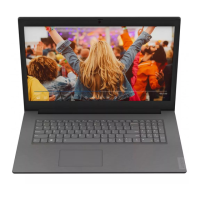
Lenovo V340–17IWL User Guide


 To Next Page