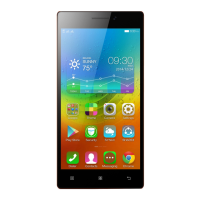
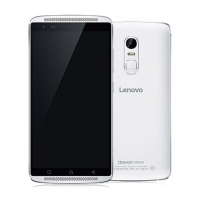
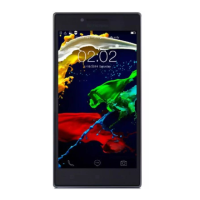
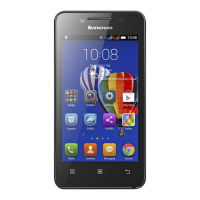
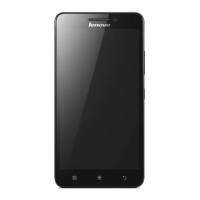
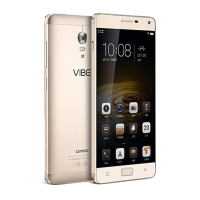
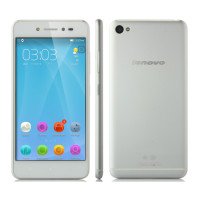
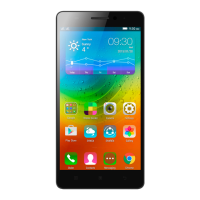
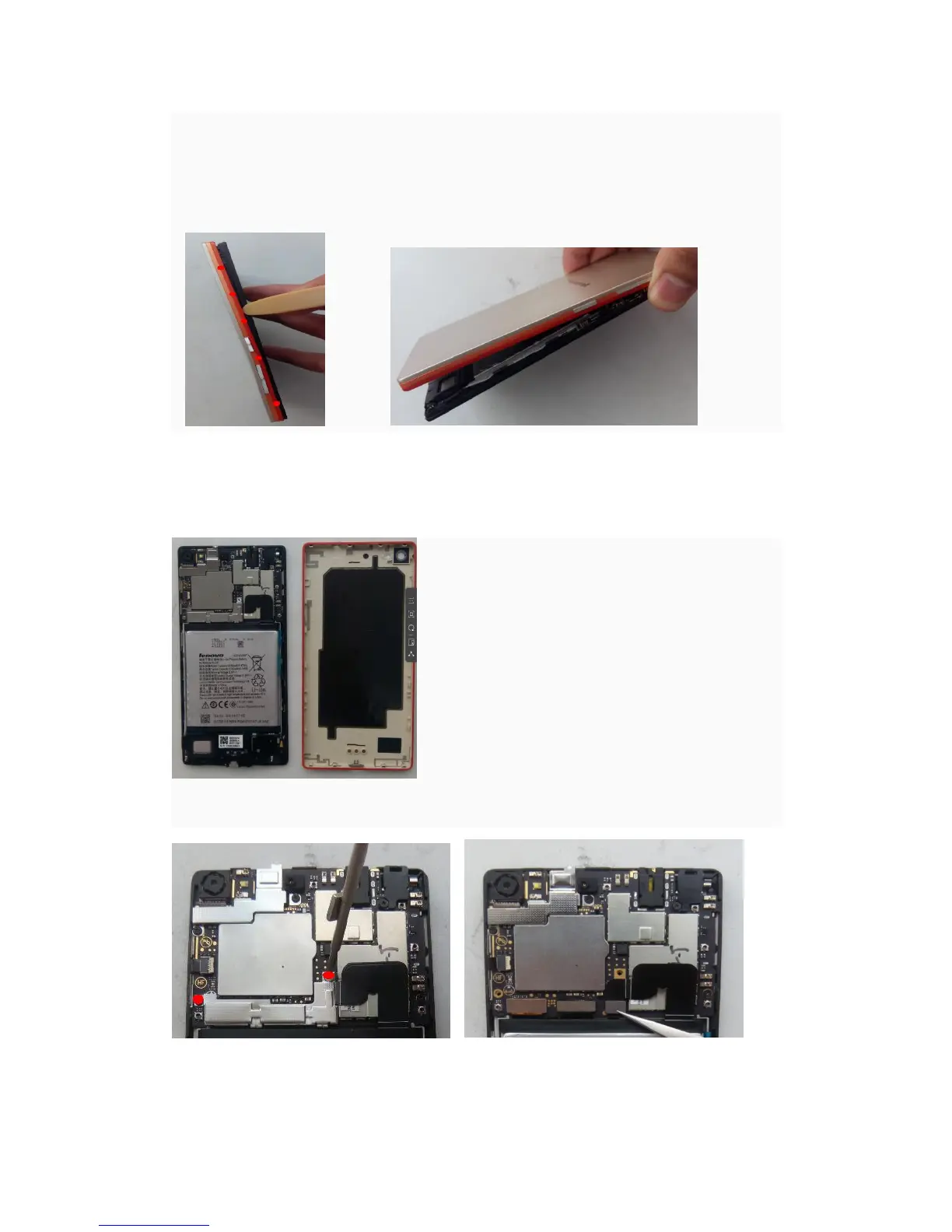
Note:1,The solid red dots are hooks position
2, Disassemble tools:Tweezer、Disassemble bar;in order to protect the cover from
destroy ,the disassemble bar insert just about 2mm
Using the disassemble bar to pry hooks
Released the hook1 from the lower left corner . The direction of from bottom to top to released
the hooks
4)Disassemble the main board
Disassemble the battery connector pressure Release the battery connector
sheet steel,2 screws


 To Next Page
 Loading...