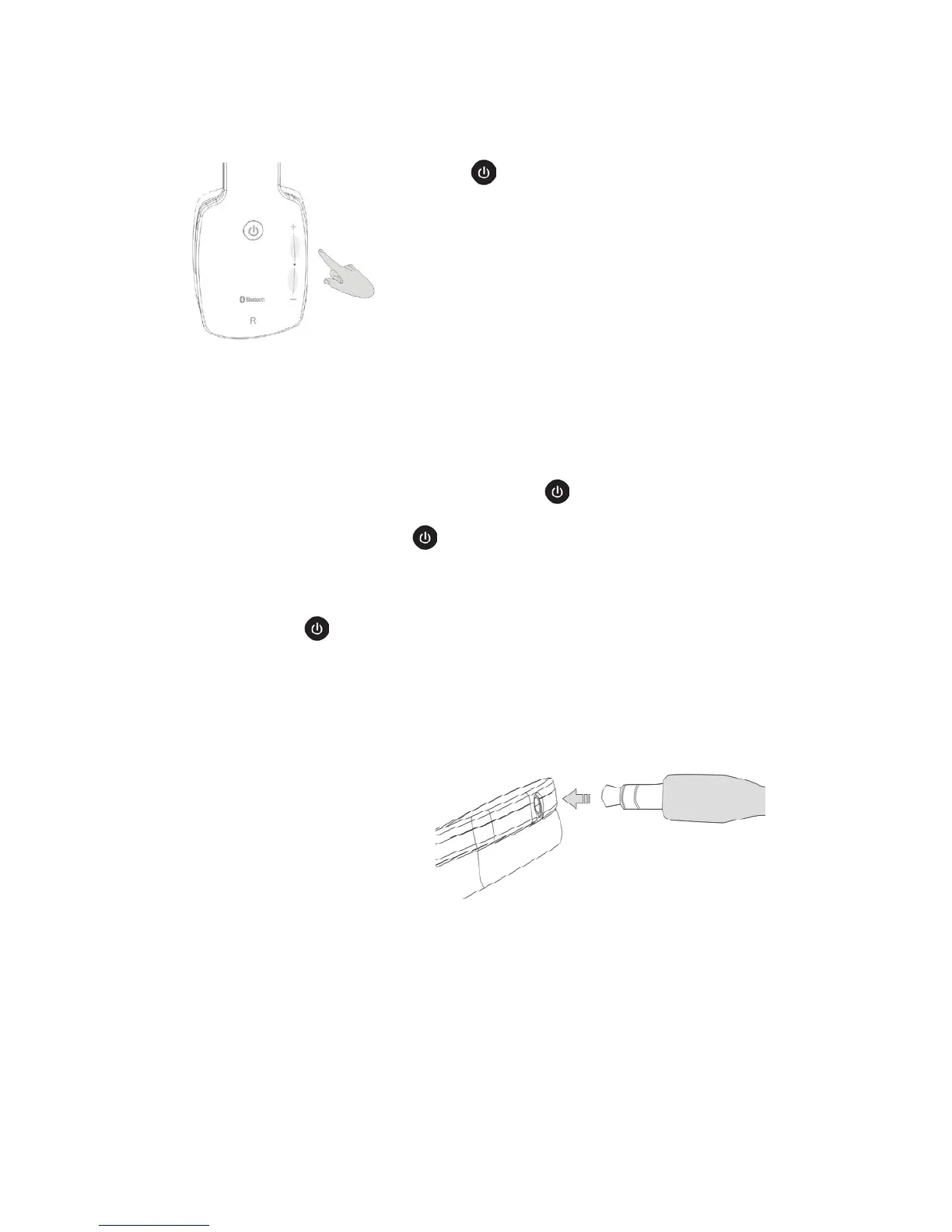
Bluetooth Music:
1. Click key for once to play the music
sourcing from your mobiles. Click again to
pause.
2. Finger touch area is divided into two parts by
“.”.Quick click the volume to increase or
reduce area to realize songs pick the next or
previous.
3.
Press and hold the volume control area, you
can easily to increase or reduce the volume continuously. When it reaches
the maximum or minimum, the device will indicate with a tick voice. Click
non-continuously to increase or reduce the volume by steps.
Bluetooth phone calls:
1. When there is a phone call incoming, press key to answer the call
directly, press and hold on key for 3 seconds to change to your mobile
phone private answering, press and hold on once again to back to
Bluetooth answering.
2. Double-click key to call the Number which you made last phone call.
LINE IN function:
When you want to listen to the music sourcing from other audio devices,
connect the Headphone with
them, with the AUX in Cable
inside the AUX in port as the
picture shows.
On this model, the Bluetooth will
turn off automatically, turn it on
is not allowed.



 To Next Page