37
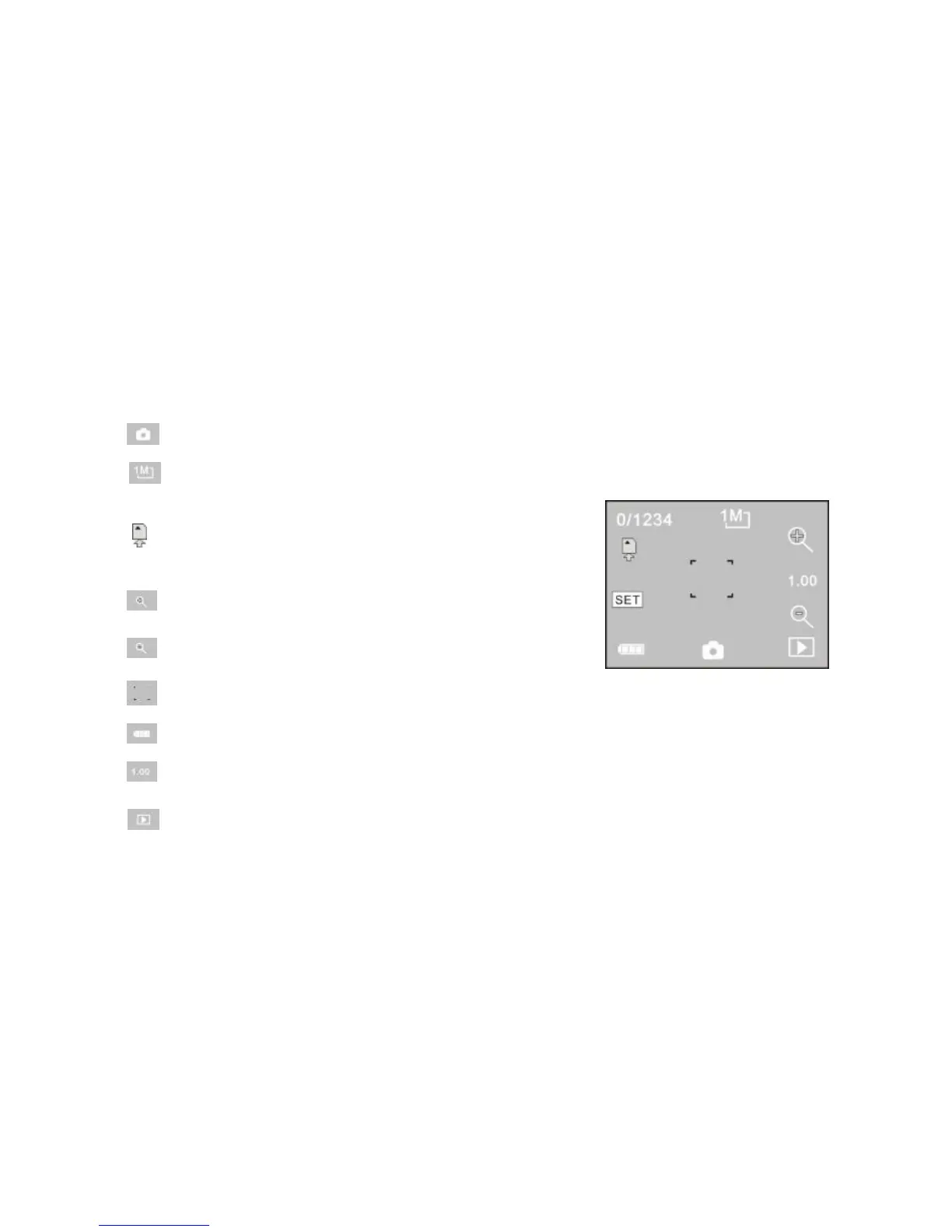
1 0/1234: Counter, indicating current number of photos taken already /number of photos to be
taken.
2 : mode icon, indicating that the camera is in photo taking mode.
3 : video size, click this icon to select the photo
resolution.
4 : means that the memory is been inserted at
present.
5 : digital zoom icon, click it to enlarge.
6 : digital zoom icon, click it to minify.
7 : visual shutter, touch this visible frame for taking photos or recording.
8 : battery icon, indicates the power status of the battery.
9 : represents the status of digital zoom.
10 : click this icon to switch to the playback mode.



 To Next Page