39
8 : battery icon, representing the current power status of the battery.
9 : represents the status of digital zoom.
10 : click this icon to switch into the playback mode.
11 : click this icon to set the date and time, finished setting and press Shutter key to confirm.
Note: the screen will be off automatically during recording process in order to save power;
user can press the power button shortly to start the screen and restore display.
9 Playback mode:
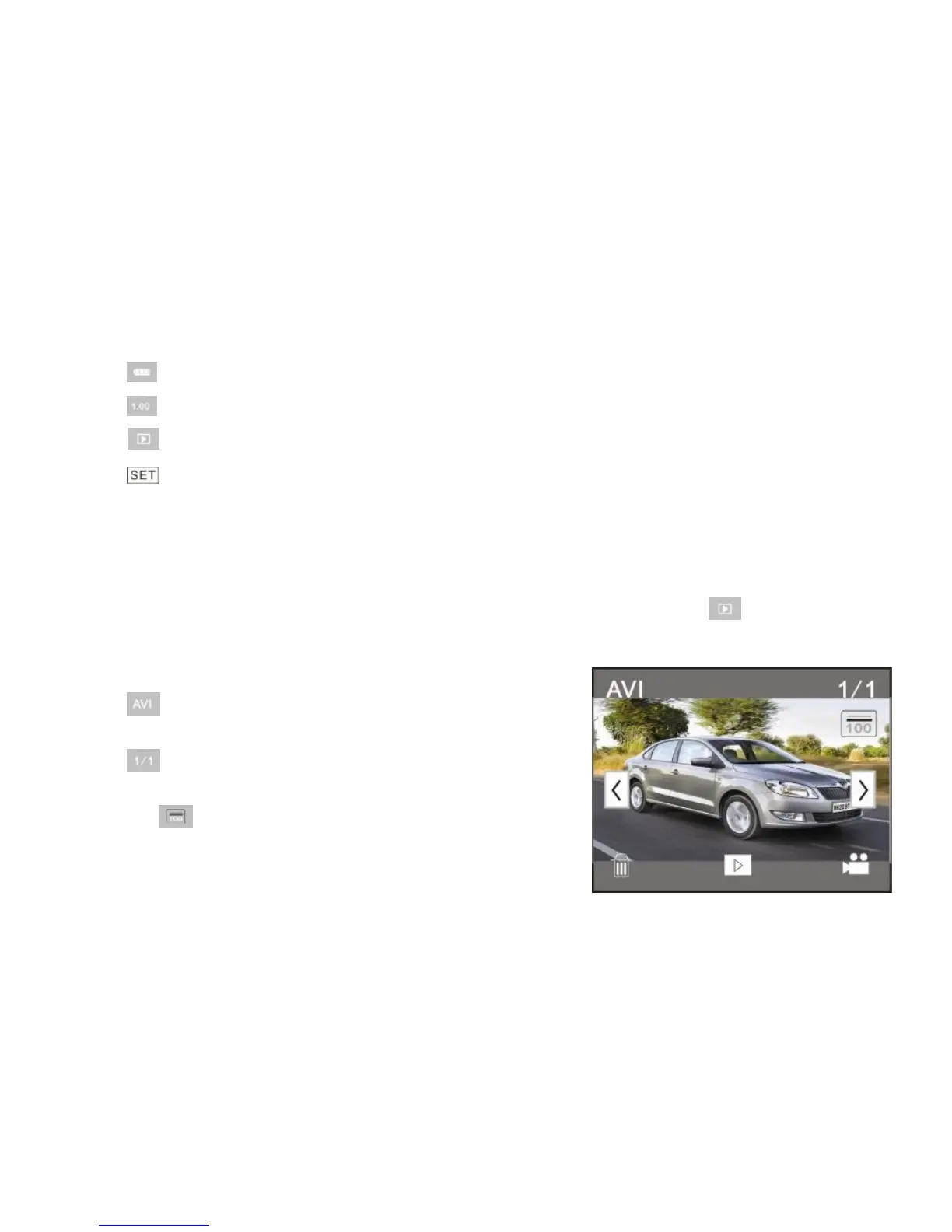
9.1 After starting up and entering the previewing state, click the playback icon ( ) at the lower right
corner of the LCD to switch to the playback mode:
Click
1 : represents that the current file is an AVI video
file.
2 : represents that there is one file in the current
folder/one file in total.
3 : current folder name (such as:
I:\DCIM\100MEDIA


 To Next Page
 Loading...