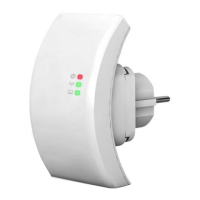
How to configure the Wi-Fi Repeater
You can configure the Wi-Fi Repeater by connecting it with your computer/laptop with
enclosed RJ45 cable or wirelessly. We recommend you to do it with wire.
A. Configure the Wi-Fi Repeater with RJ45 Cable
A1. Plug the Wi-Fi Repeater to a wall socket.
Connect your computer / laptop with the Wi-Fi
Repeater with enclosed RJ45 Cable.
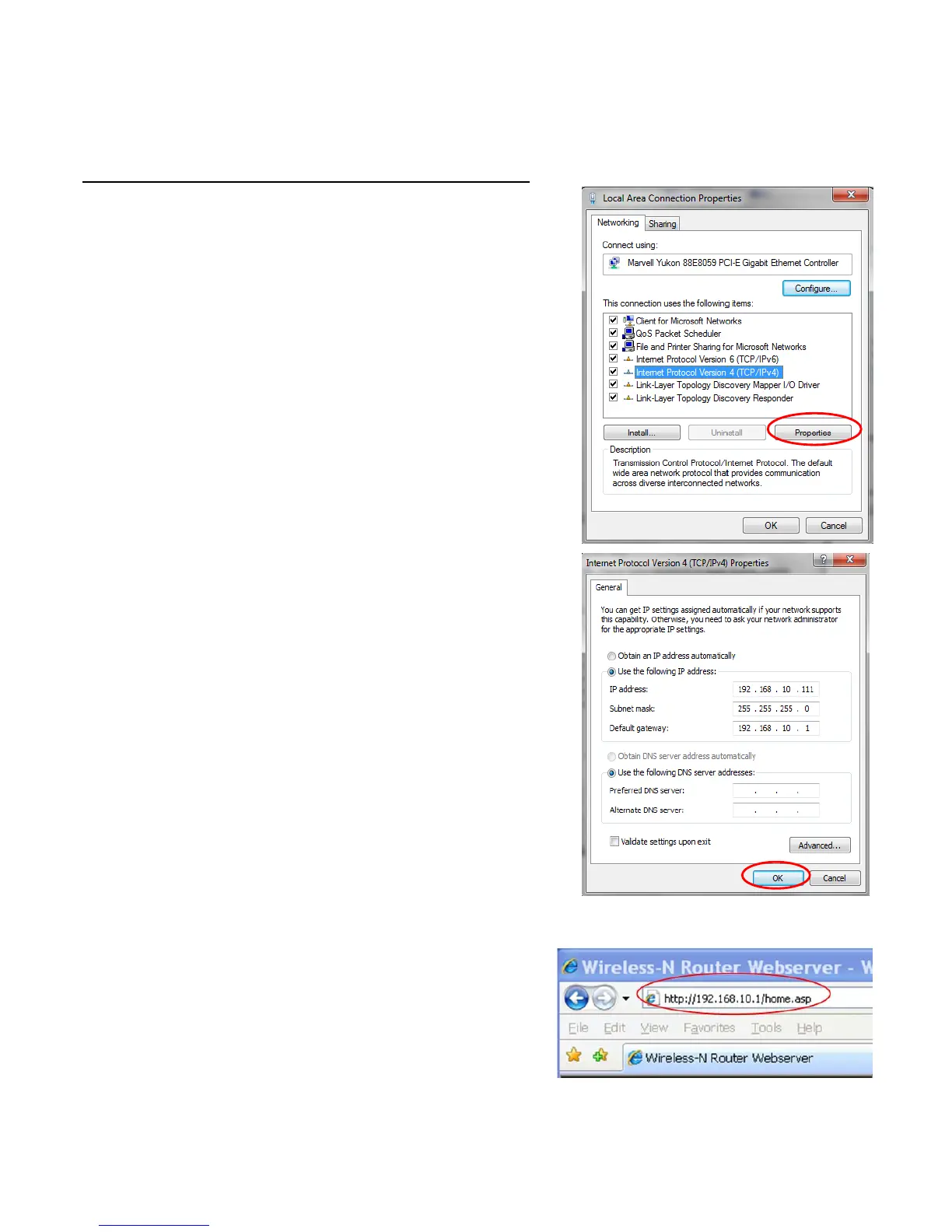
A2. Click the “
Start
” button (it should be located
at the lower-left corner of your screen), then
click “
Control Panel
”. Click “
View Network
Status and Tasks
”, and then click “
Manage
Network Connections
”. Right-click “
Local
Area Network
”, then select “
Properties
”.
When the “
Local Area Connection
Properties
” window appears, select “I
nternet
Protocol Version 4 (TCP/IPv4)
” and then
click “
Properties
”.
A3. Setting IP address manually: Type IP address
is
192.168.10.x
(
x is from 2 to 254
), and
Subnet mask is
255.255.255.0
. Type the
Router’s LAN IP address (the default IP is
192.168.10.1
) into the Default gateway field.
A4. Open web browser and type
http://192.168.10.1 in the browser's
address box. This number is the default IP
address for this device.


 To Next Page
 Loading...