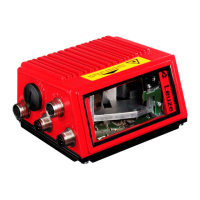
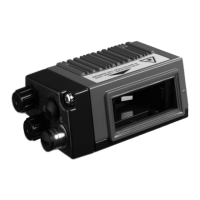
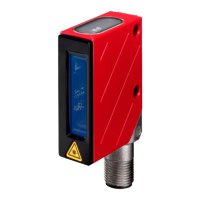
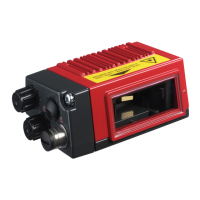
BCL 548i
The main menus
BCL548i SF 102
Leuze electronic
GmbH & Co. KG
SW: V 1.8.0 HW:3
SN: 1009A009815 001
Device information - main menu
Information about
• Device type
• Software version
• Hardware version
• Serial number
IO1 IO2 IO3
IO4 ATT ERR
12345678
Bar code reading window - main menu
Visualization of the read bar code information.
See "Indicators in the display" on page 89.
Parameter
Parameter handling
Decoder table
Digital SWIO
Ethernet
Parameter - main menu
Configuration of the bar code reader.
See "Parameter menu" on page 95.
Language selection
o Deutsch
oEnglish
o Español
o Français
o Italiano
Language selection - main menu
Selection of the display language.
See "Language selection menu" on page 104.
Input of values
12|
<-|0123456789 save
Standard ----- Unit
126 | |
Service
Diagnostics
Status messages
Service - main menu
Scanner diagnosis and status messages.
See "Service menu" on page 105.
Actions
o Start decoding
o Start alignment
o Start auto-setup
o Start teach-in
o Code recognition start
Actions main menu
Various functions for scanner configuration and
manual operation.
See "Actions menu" on page 105.
PWR LED BUS LED
Off Device OFF Off No supply voltage
Flashes green Device ok, initialization phase Flashes green Initialization
Green, continuous light Device OK Green, continuous light Operation OK
Orange, continuous light Service mode Flashes red Communication error
Flashes red Device ok, warning set Red, continuous light Network error
Red, continuous light Device error
ESC
Navigate
upward/laterally
Navigate
downward/laterally
ESCAPE
leave
ENTER
confirm
Device buttons:
Delete character
Enter digit
Save input


 To Next Page
 Loading...