PROFIsafe and PROFINET
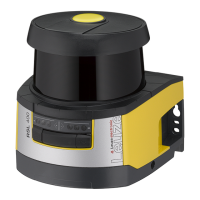
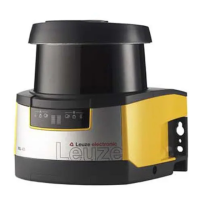
Leuze electronic GmbH + Co. KG RSL 420P 100
11.4.9
Configure RSL400P header module
Ä Expand the Device data dialog box in the device view.
Ä On the Device overview tab, select the
RSL400P module. Perform the configuration via Properties > General.
Ä Set the Ethernet addresses and the PROFINET device names.
• Assign each IP address a unique PROFINET device name.



 To Next Page
 Loading...