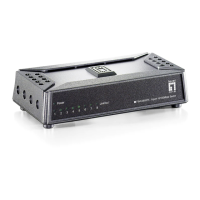
Installation
1. Turn off the power of the device/station in the network in
which the converter will be installed.
2. Ensure that there is no activity in the network.
3. Attach a UTP cable from the 100Base-TX network to the
RJ-45 port on the converter.
4. Connect the power cord to the converter.
5. Turn on the power of the converter and check that the
Power LED lights up. The TP Link will light when all the
cable connections are satisfactory.
6. When the P1~P9 LINK/ACT LED is green, the
corresponding port is running under 10/100Mbps.
Technical parameters:
1. Standard Protocol:
IEEE 802.3 10 Base-T
IEEE 802.3u 100Base-TX
IEEE 802.3x flow control
IEEE 802.3af POE
IEEE 802.3at POE+
2. Connectors:
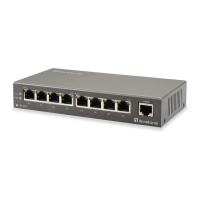
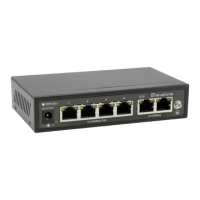
8× UTP RJ-45 connector with PSE function
1× UTP RJ-45 connector
3. Operation mode:
TX: 10/100 Mbps auto-negotiation mode
4. Power supply:
48~56VDC@2.5A with 802.3af
5. PSE Pinout: PIN1/2: Pos(+), PIN3/6:Neg(-)
6. Operation temperature: -20℃~70 ℃
7. Storage temperature: -20℃~70 ℃
8. Operation humidity: 5%-90% non-condense
9. Storage humidity: 5%-90% non-condense
10. Twisted Pair cable: Cat5 UTP cable
11. Dimensions: 30×170.5×80.5mm (H x W x D)
Note:
Uplink port supports automatic detection of network
cable length to adjust network transmission rate.
Warning:
1. This product is suitable for indoor application.
2. The appliance inlet is used as the disconnect device and
shall remain readily operable at all time.
Trouble shooting:
1. Device is not connecting. Please check that the
corresponding network device is using the same transfer rate
as the media converter (10Mbps or 100Mbps).


 To Previous Page
 Loading...