21
4 (Optional) In the Subnet Mask option, type the Subnet Mask your LAN or network
segment is currently configured to use.
5 (Optional) In the Gateway field, type the IP address of gateway.
6 When done, click OK button. The program will save the above settings into the print
server.
7 Done
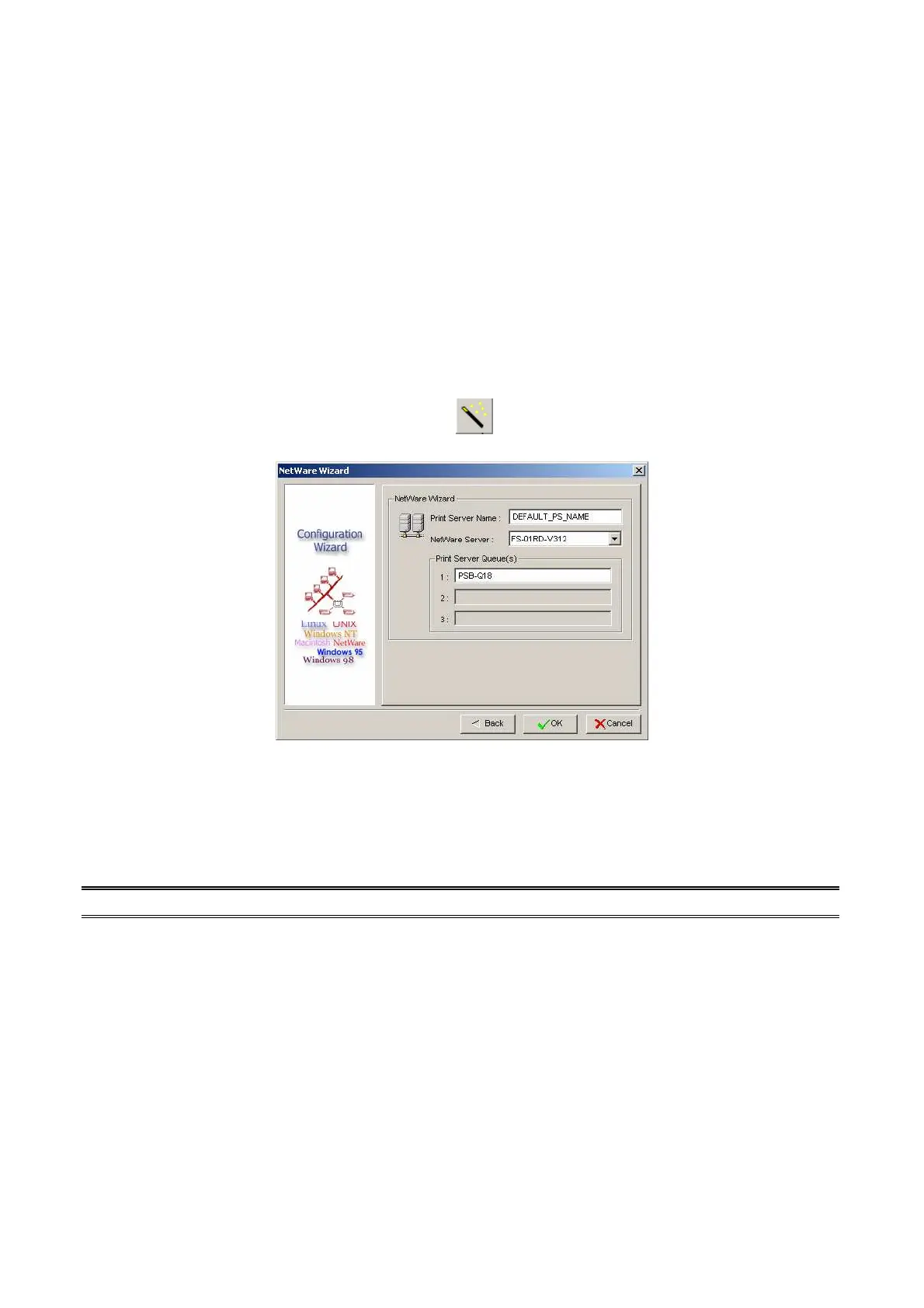
NetWare Wizard
1. Log into your NetWare file server as a Supervisor (Admin.) or equivalent.
2. Click Wizard button just like a picture <
>.and select NetWare Wizard, as follow
picture.
3. Select the NetWare File Server to which the print server device will be attached.
4. Type in a Print server.
5. Type in a Print Queue Names.
Note: Each print queue corresponds to each print port of the print server.
6. Click OK.
7. Done.
8. From your NetWare client computer, such as Windows 95/98/Me, create a printer that is
connected (redirected) to one of the NetWare print queues serviced by the print server.



 To Next Page