60
Redhat Linux 9
The Print Server can work under any Linux-based systems, including Slackware, RedHat,
etc, without any problems.
Basically, the Linux's printing system is based on BSD system. Although many commercial
Linux systems are available in the market and their commands will vary slightly, depending
upon which version is used, the functionality of the Linux-based variants is exactly the same.
1. Make sure that the TCP/IP is well configured on your RedHat system, including
network interface card's driver and IP-related settings say, IP address, subnet mask,
and gateway IP).
2. Log in root.
3. Start X-windows by typing startx at the shell mode.
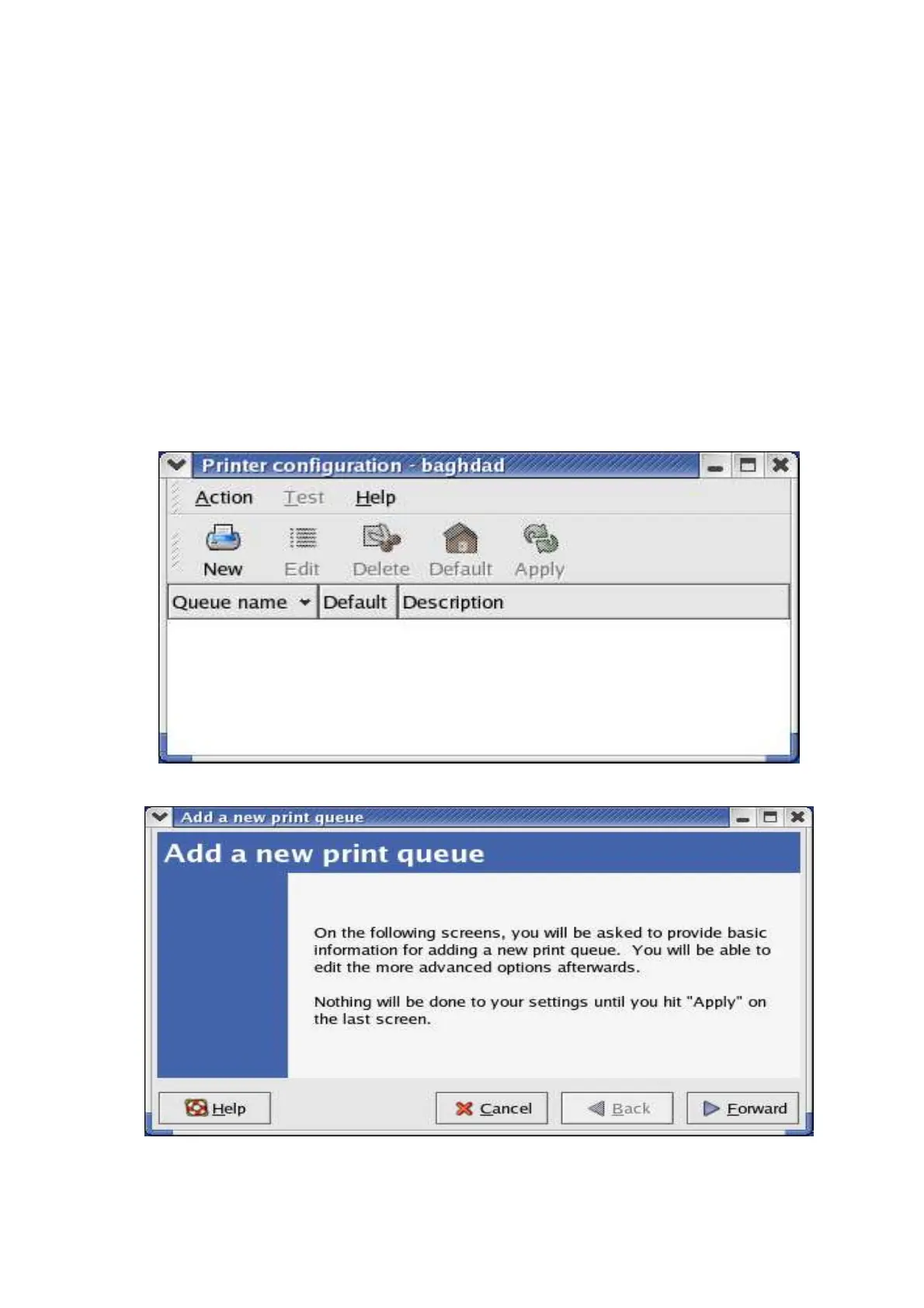
4. Open Printer Configuration.
5. Click New button.
6. Click Forward button.



 To Next Page