80
Print Self-test Page:
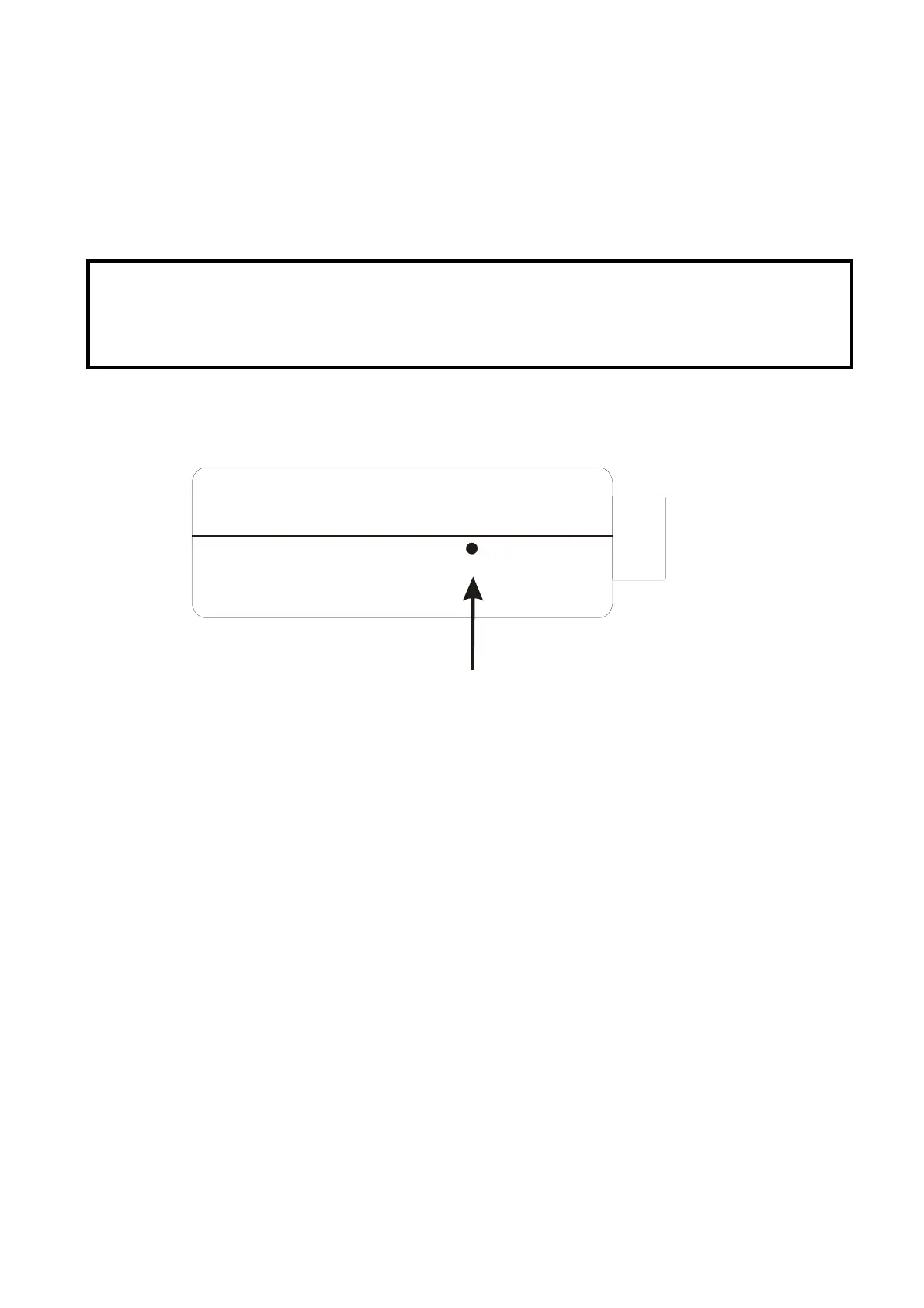
1. Verify the power of print server is turned on.
2. Press the reset button for 5 seconds, and then release it.
3. Then the self-test page including the factory default settings will be printed.
Note:
1. It is strongly recommended to use Laser Printer for self-test page printing.
2. Some printers are not supposed to print the self-test page completely. For example, the
HP deskjet 948c/895CXi will print the self-test page, but its paper-out LED will light up.



 To Next Page