15
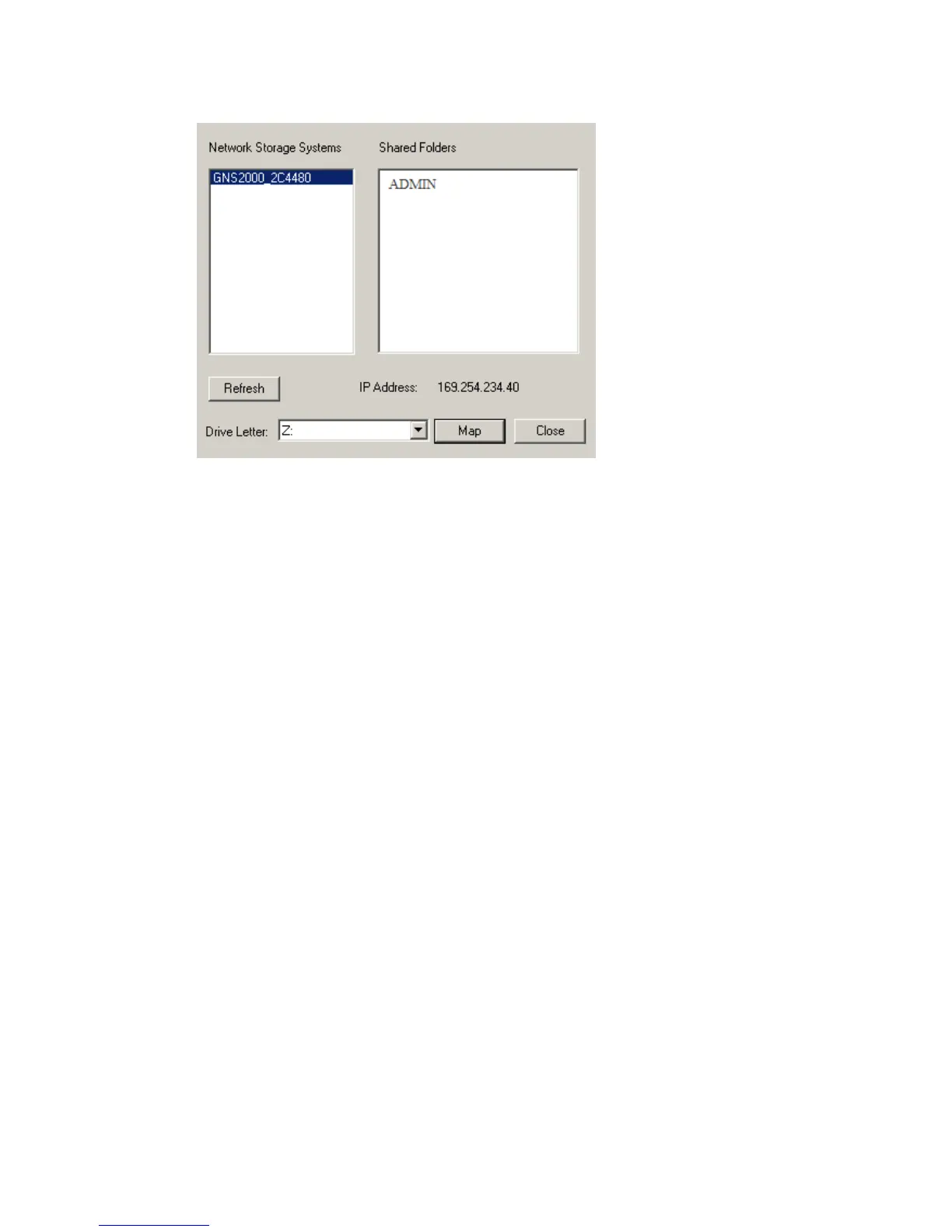
2. A list of all the GNS-2000 on your network will show on
the left side. The right side displays share folders of the
currently selected NAS
3. Select which share folder you want to map and select a
4. This drive will now be available in Windows Explorer, and
from the File- Open or File-Save As dialog in all Windows
applications.
Using the Web Interface
The Web interface of the GNS-2000 has three major functions:
Users may change their password to match their Windows
Logon.
Server management can be performed. Default ID is
Download manager.



 To Next Page