Default Navn vises. Skift dette hvis du
ønsker det.
Normalt skal dette navn matche
workgroup navne brugt af PCere på dit
LAN.
Væ lg din tids zone fra listen.
Indtast den lokale dato. (mm/dd/yyyy
format) og tid.
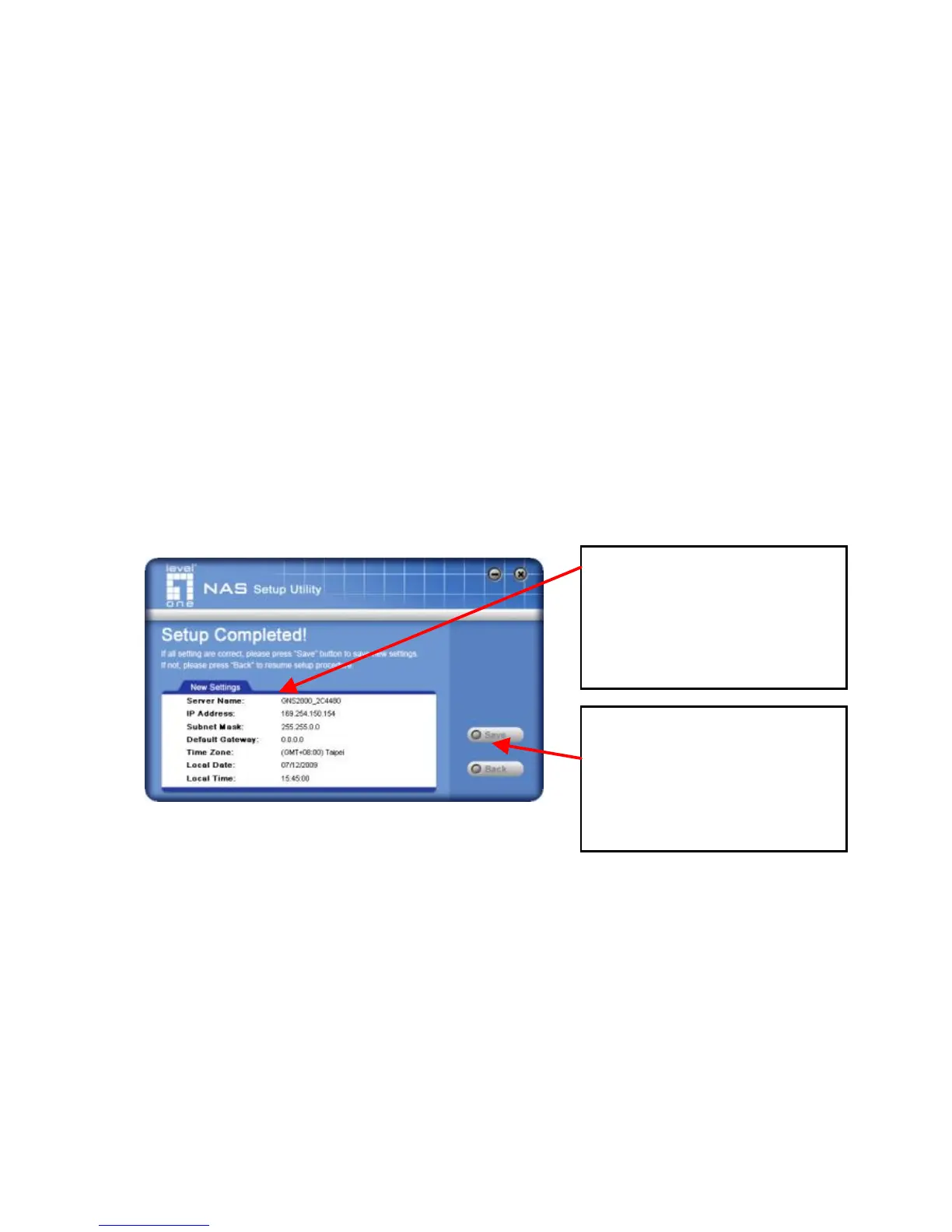
6. Klik "Next" for at fortsæ tte. Den følgende skæ rm bliver
vist.
7. Klik "Save" for at gemme dine data på GNS-2000.
På resultat skæ rmen, klik "Exit" for at lukke opsæ tnings
Utility.
GNS-2000 er nu klar.
All settings are displayed.
Please confirm they are
corrected, then click
“ Save” .
After saving, a final screen
will be displayed.
Click “ Exit” to close the
Setup Utility.



 To Next Page