4
HDD Install/Remove
The NAS Server supports two 3.5-inch Serial-ATA (SATA) hard
drives and does not support low profile or half high hard drive.
HDD Install
1. Make sure the NAS Server is powered off.
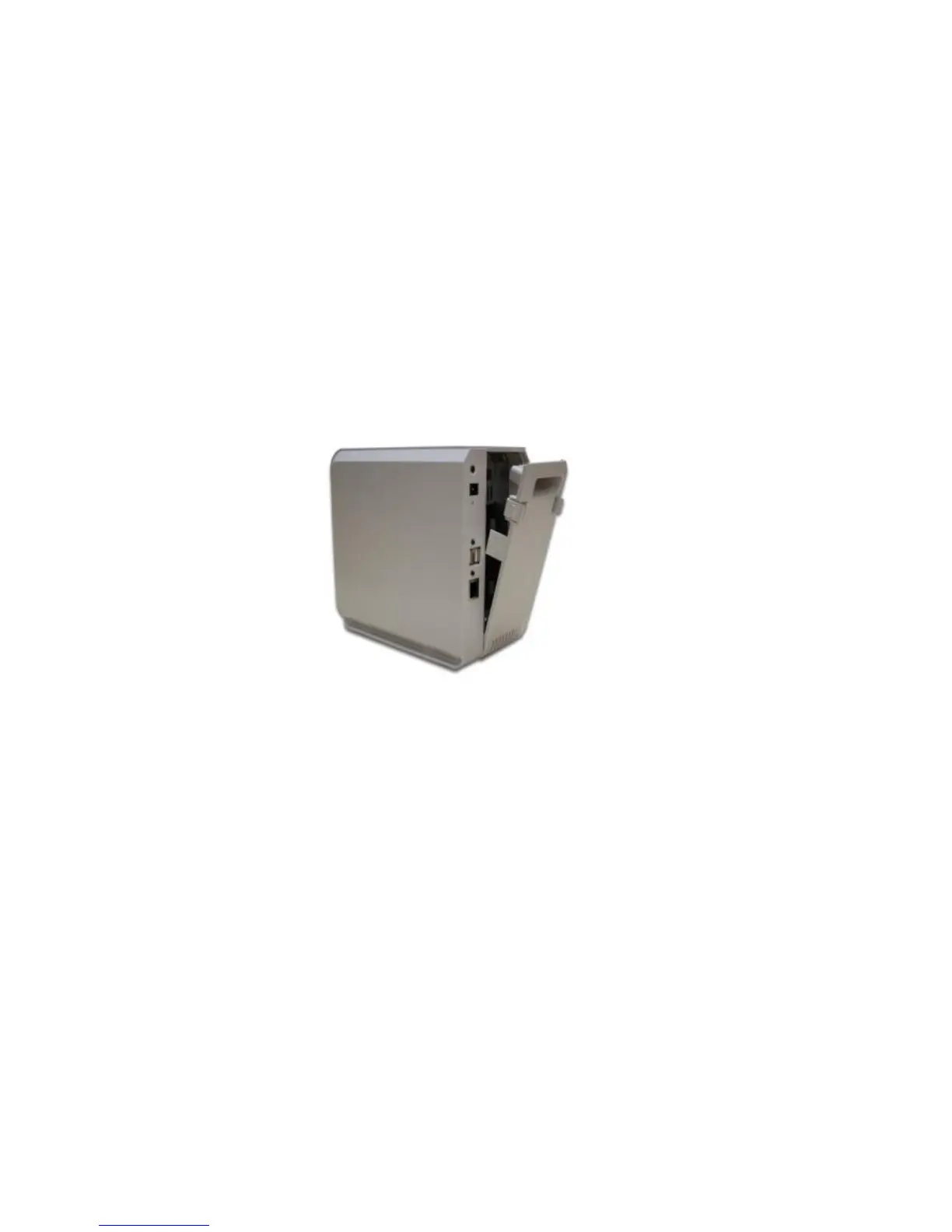
2. Open rear cover of NAS Server.
3. Make sure your hard drive is SATA interface and make
sure you back up all pre-existing data before use it on
NAS Server.
4. To install Disk 1 that located on left side (rear view), make
sure HDD top face to left and connector side in front then
slide the HDD into slot.



 To Next Page